
While adding various types of notes, you'll often want to use all or part of the note to start a new task, action, or goal.
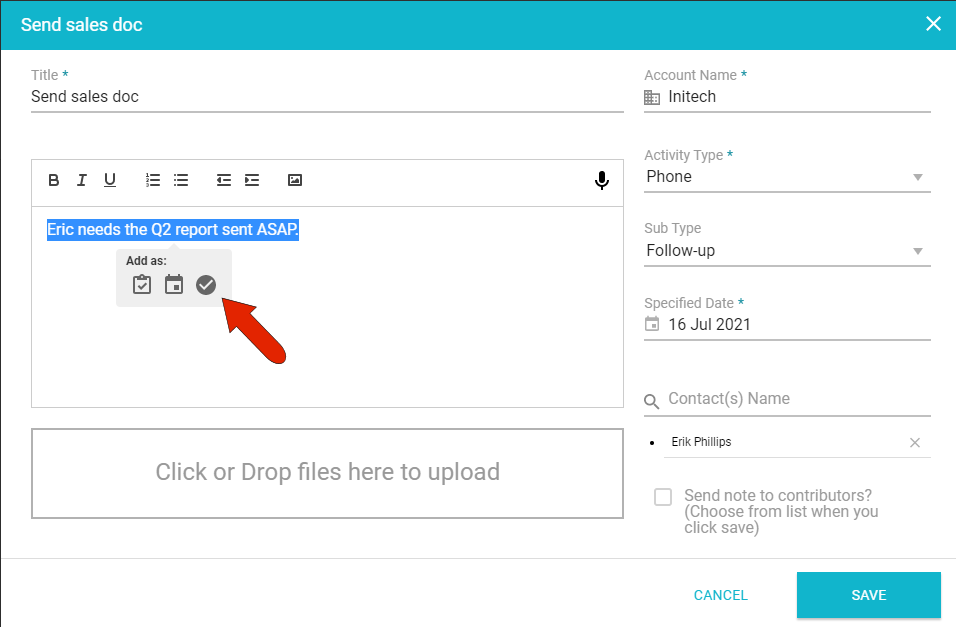
For example, while adding a contact conversation note, if the text of the note is actionable, you can highlight the note text. This brings up a popup toolbar with icons to create an account task, action, or goal.
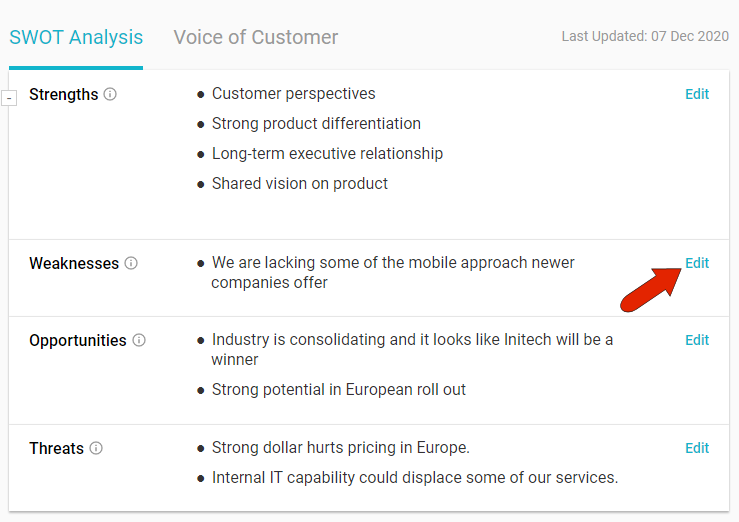
This popup is also available when editing a SWOT item. As an example, a weakness or threat can be an actionable item. You can view a SWOT item by clicking Edit.
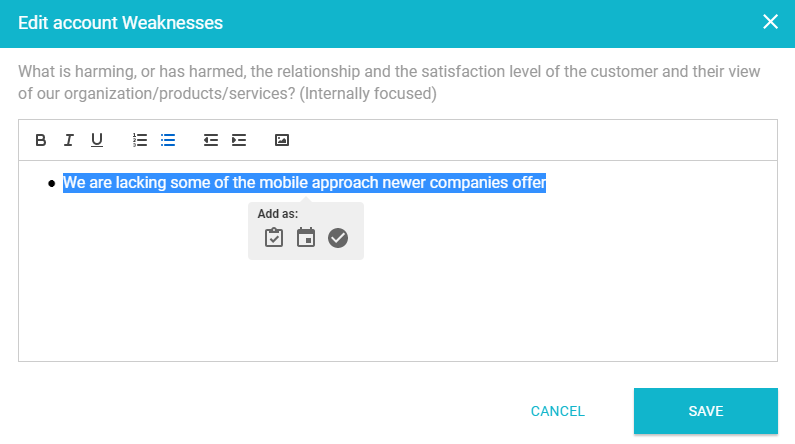
When highlighting the SWOT item, the same popup toolbar appears.
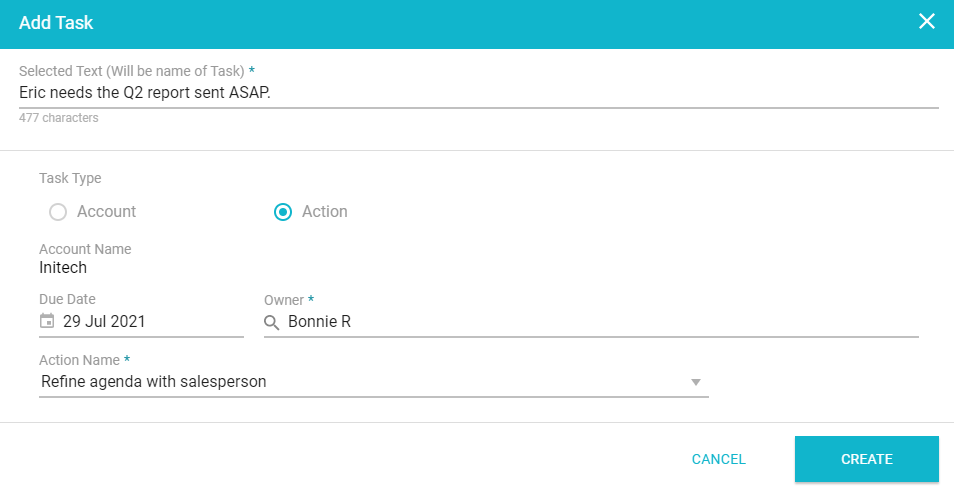
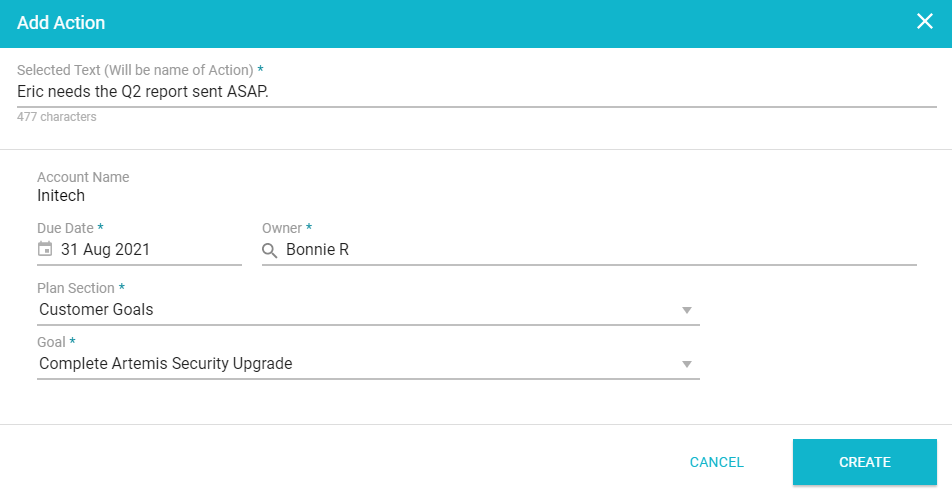
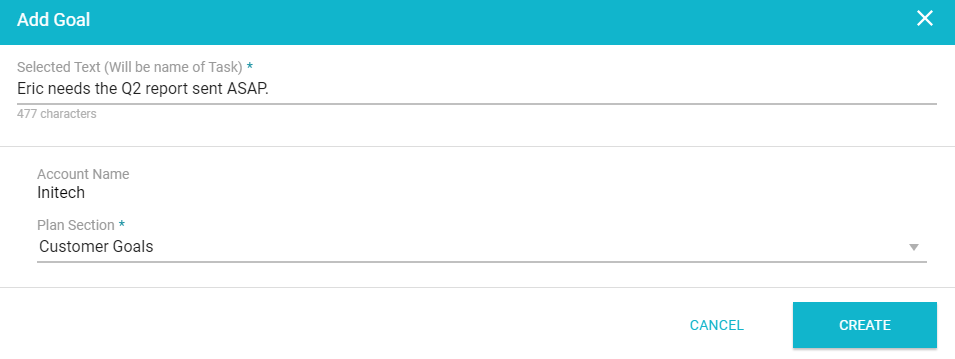
The highlighted text of a note or SWOT item becomes the title of the task, action, or goal, which can be edited if needed.
When creating a task, the task can be connected to an account, or to an action within an account.
When creating an action, you can specify the action plan and goal.
And when creating a goal, you can specify the action plan.
Comments
0 comments
Article is closed for comments.