
In the Key Players and Contacts section of an account's DETAILS tab, Freshness indicates your most recent note about the contact, and total number of notes.
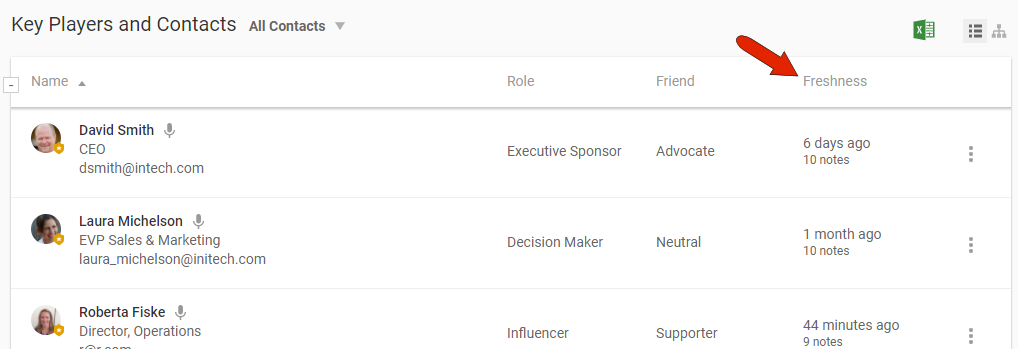
An important component of your account health score is regular and fresh contact notes. This helps keep you in close contact with your customer's important players, while also keeping your team informed about what's happening with each contact.
There are several ways to create notes that link a key player or contact.
If you use CREATE NEW / Note, you can include one or more contact names in the note.

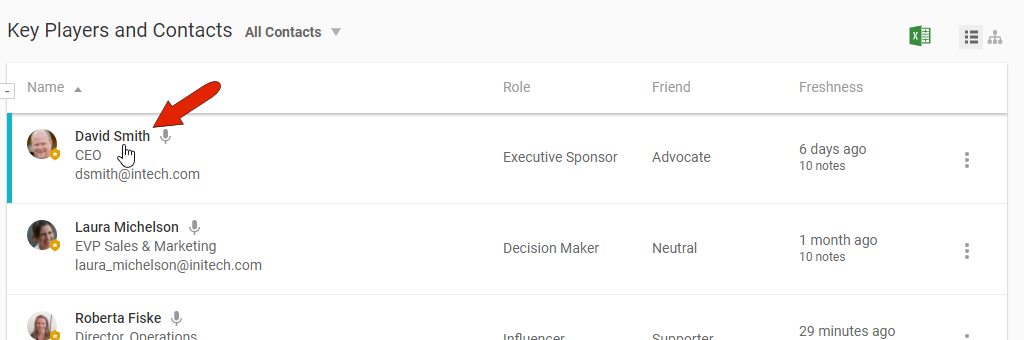
You can also add notes via the contact’s profile page. This can be done by finding the contact in the Key Players and Contacts section of an account’s DETAILS tab, and clicking the contact name.
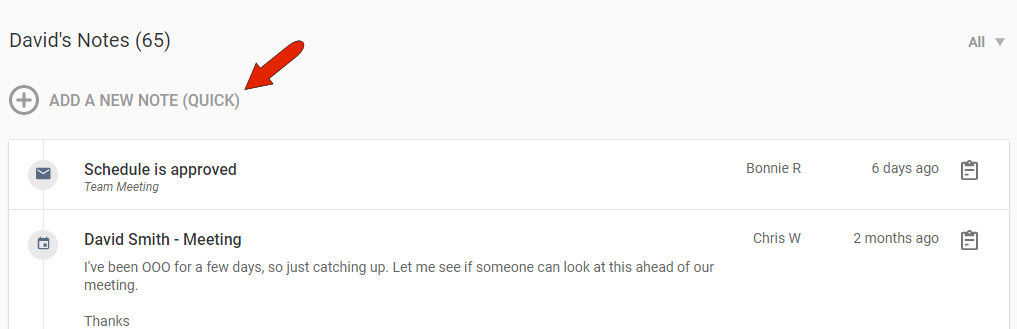
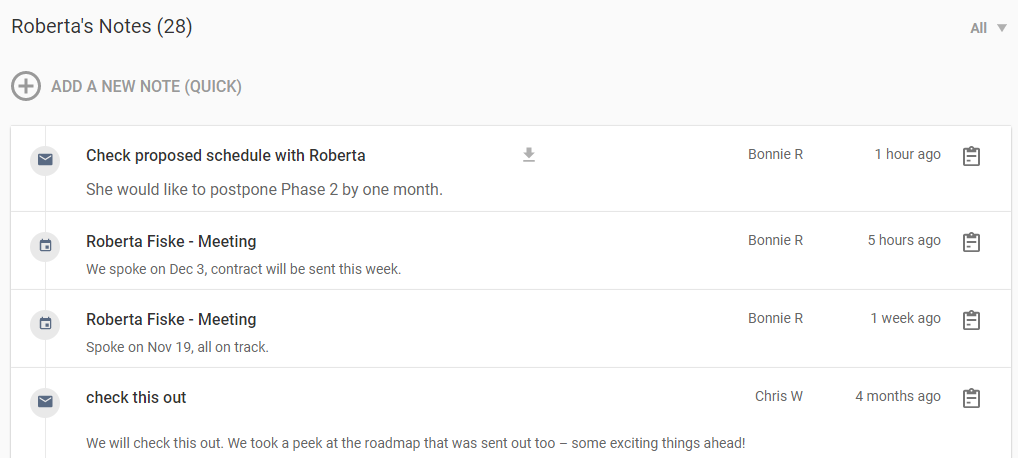
Any previous notes will appear here, and you can use the Add a New Note link to dash off a quick note.
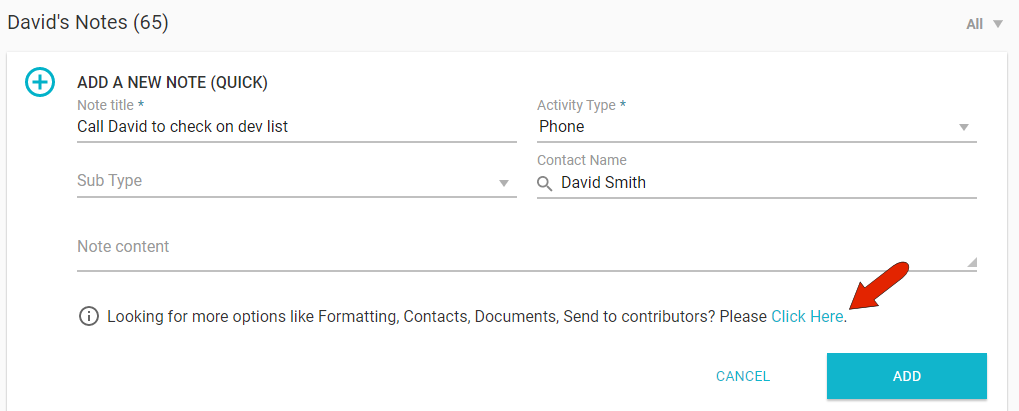
If the note requires the full formatting features, click the link at the bottom of the quick note.
Kapta can also generate contact check-in notes on a regular basis. When creating or editing a contact, the COMMUNICATIONS tab enables you to set the contact method, frequency, and start date.
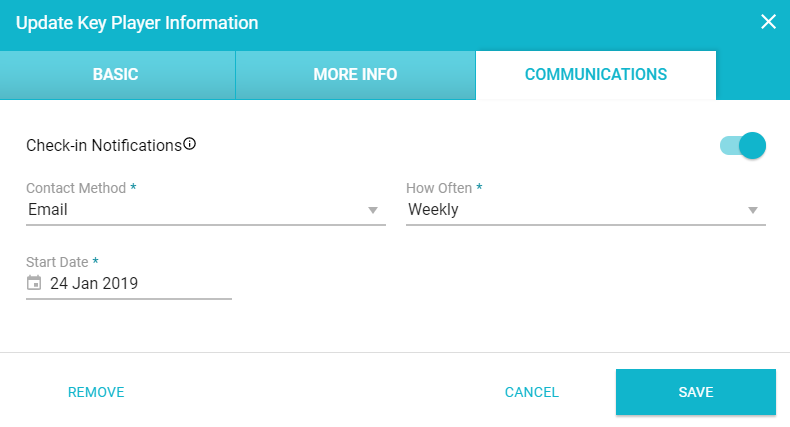
Automatic check-in notes will be assigned to the account owner, and will appear automatically in your TASKS tab, where marking them as complete will create a note on your NOTES tab.
For email conversations, you can copy and paste email text manually into a note, or you can have Kapta generate email notes automatically. See Email Integration of Contact Notes.
With any of these note-creation methods, as long as the contact is linked in the note, the note will appear in the contact notes, listed on the contact's profile page.
Comments
0 comments
Article is closed for comments.