
The Metrics section of an account’s DETAILS tab provides Kapta's best approximation of the customer's reality, with regard to customer health and account health.
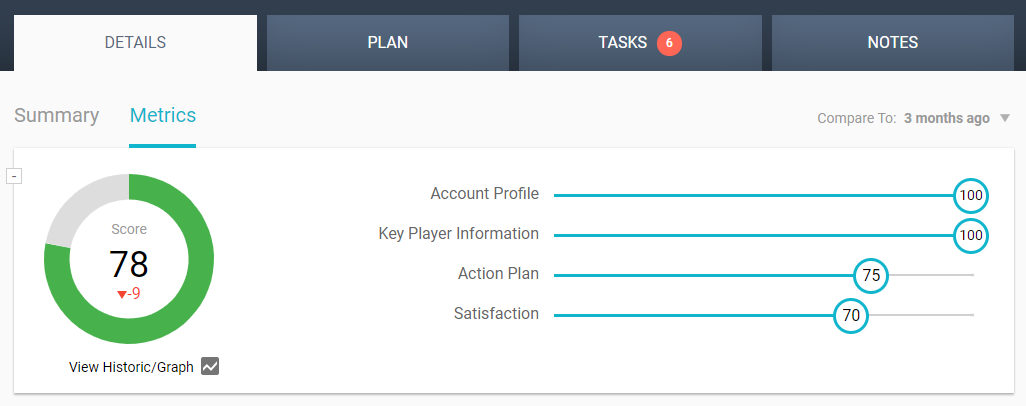
The number in the color-coded circle on the left is the account health score. As you work in Kapta, this score updates as you complete account tasks, such as entering key players, plans, tasks, notes, etc.
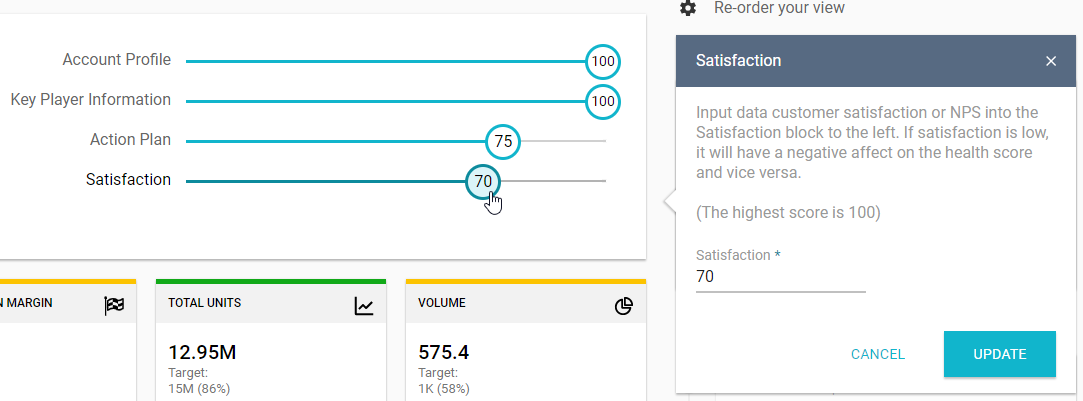
The health score is an aggregate of scores for Account Profile, Key Player Information, Action Plan, and Satisfaction. The weights of each of these factors is set by the administrator, who can also determine whether to include account Freshness as part of this score (which we recommend).
The small number just below the health score represents the gain or loss in the account health score, when compared with the score from the time period set at the top right.
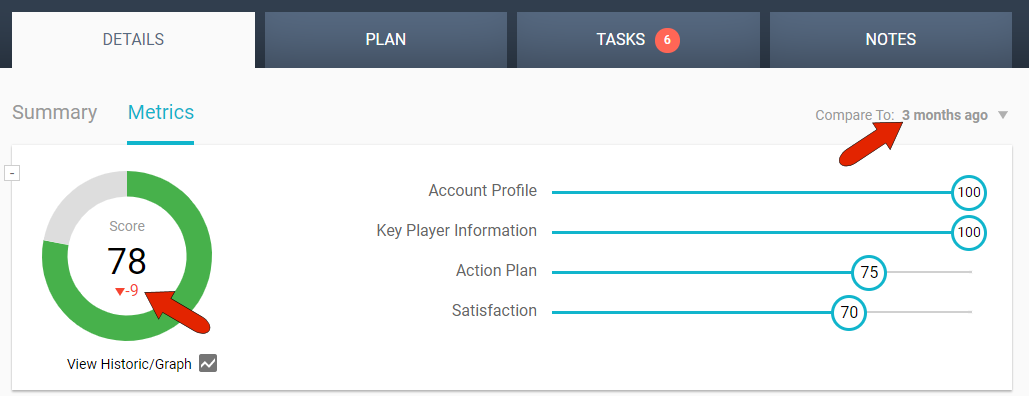
You can click on any of the first three scores to see tips on how to increase them.
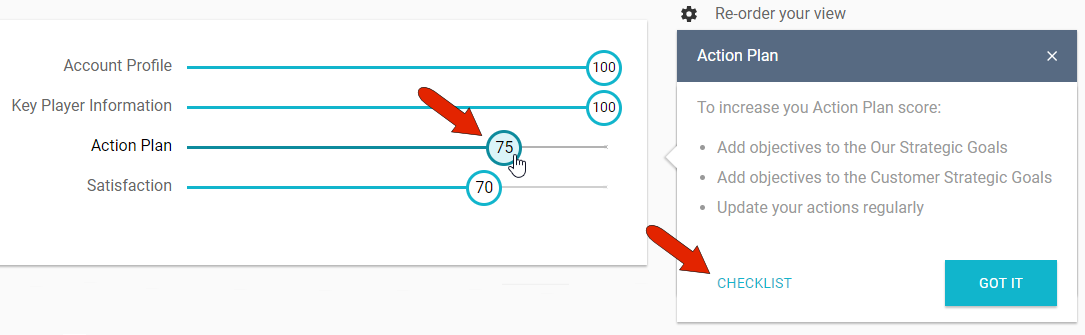
From the tips popup window, click Checklist to see what components remain to be done.
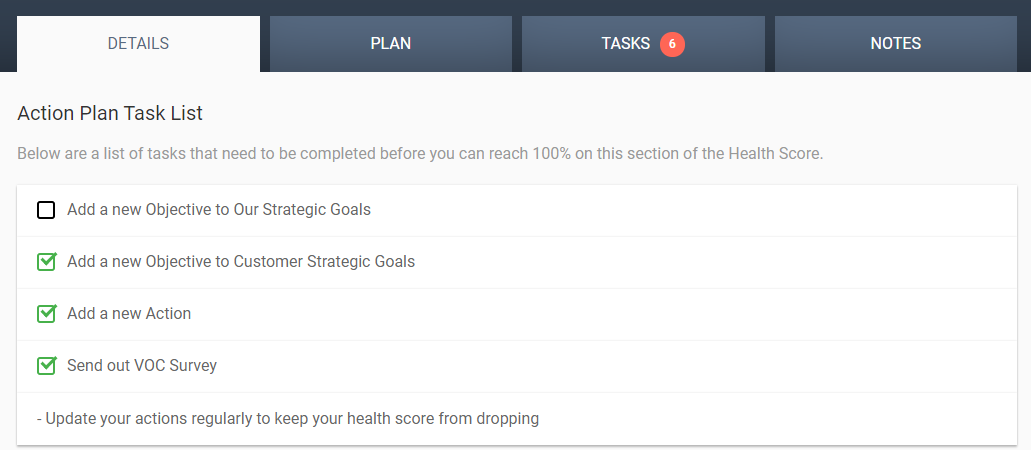
The first three scores are calculated by Kapta, but the Satisfaction score is one that you enter manually.
Comments
0 comments
Please sign in to leave a comment.