
Events are triggered to occur when certain thresholds or conditions are met. There are four types of events:
All events must be configured by an admin in the Settings before they can be added by users.
Events can either be set manually within accounts, or they can be configured to launch globally. When adding an event manually, there are several spots throughout the UI where one or more events can be set to occur. Events can be set to occur in:
- Contracts
- Opportunities
- Account Tasks
- Action Plan Goals
- Action Plan Objectives
- Action Plan Actions
- Action Plan Tasks
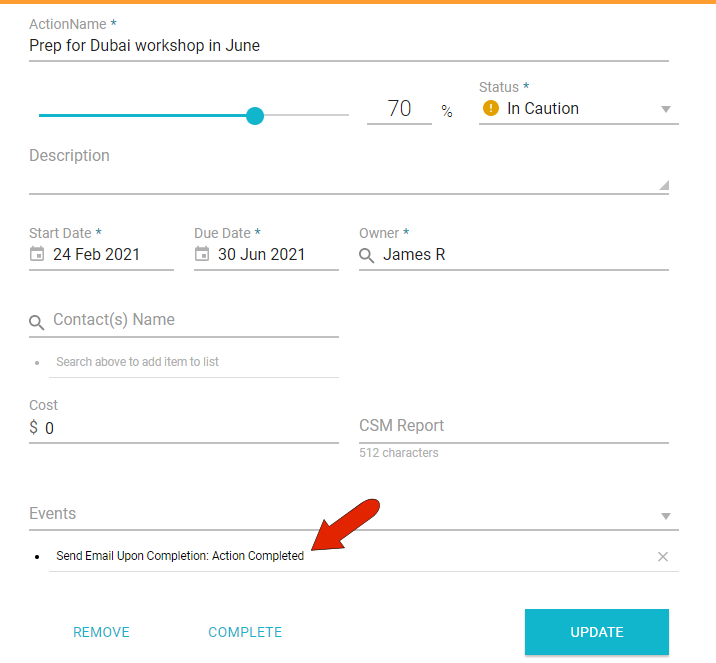
In this example, an email event is added to an action, which will be sent automatically when the action is marked as complete.
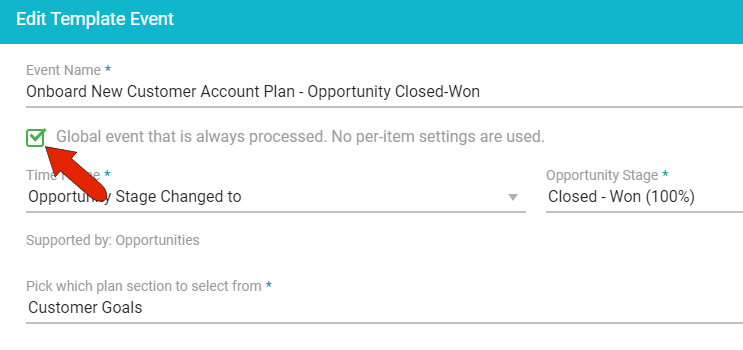
If an event is configured by an admin to launch globally, it will run automatically with no need to be set in an action, opportunity, etc.
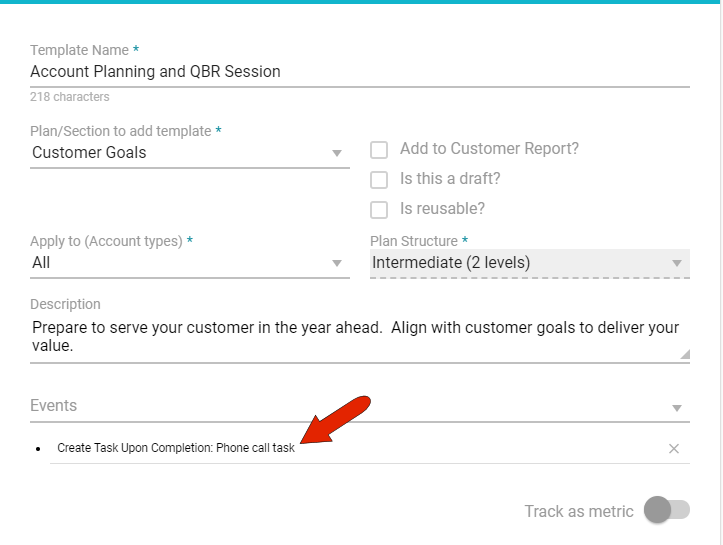
Another way to set an event to run automatically is to include it in an action plan template. Events can be set for goals, objectives, actions, and tasks within the template.
In this example, a phone call task is included in a template, which will be added as a new task once a specific action plan task is marked as complete.
Comments
0 comments
Article is closed for comments.