
Note: All types of events are created by the admin in the Settings.
Action events trigger actions to be created once a certain threshold or target is reached.
Action events can be added to goals, actions, or tasks.
In the Task Name and Task Description fields, you can use field codes to customize the action content to include details about the event that triggers the action. Available field codes depend on the event's time frame.
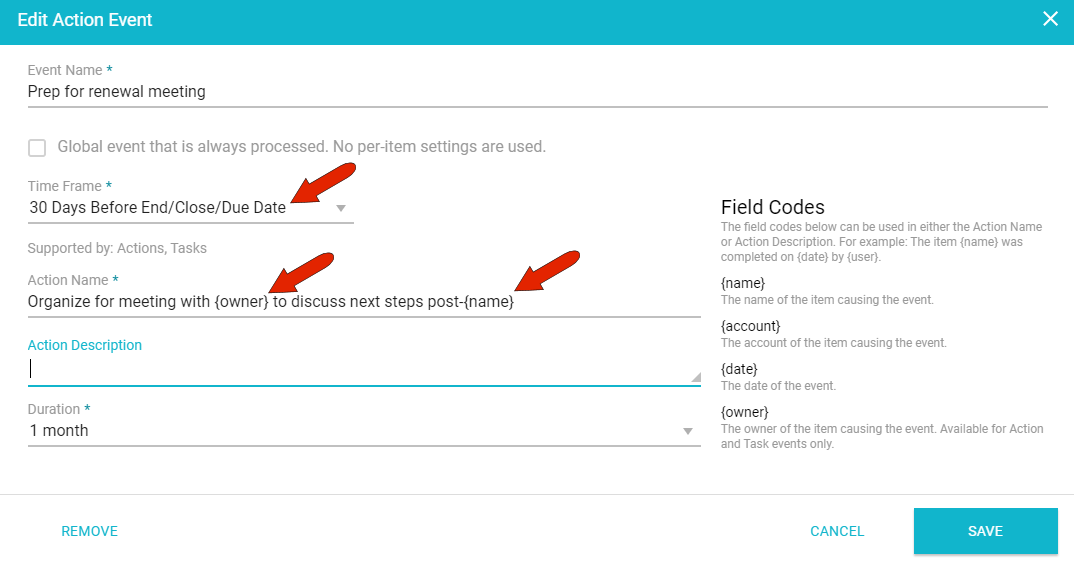
In this example, a time-based threshold triggers a meeting prep action, whose name will include the name and owner of the triggering event.
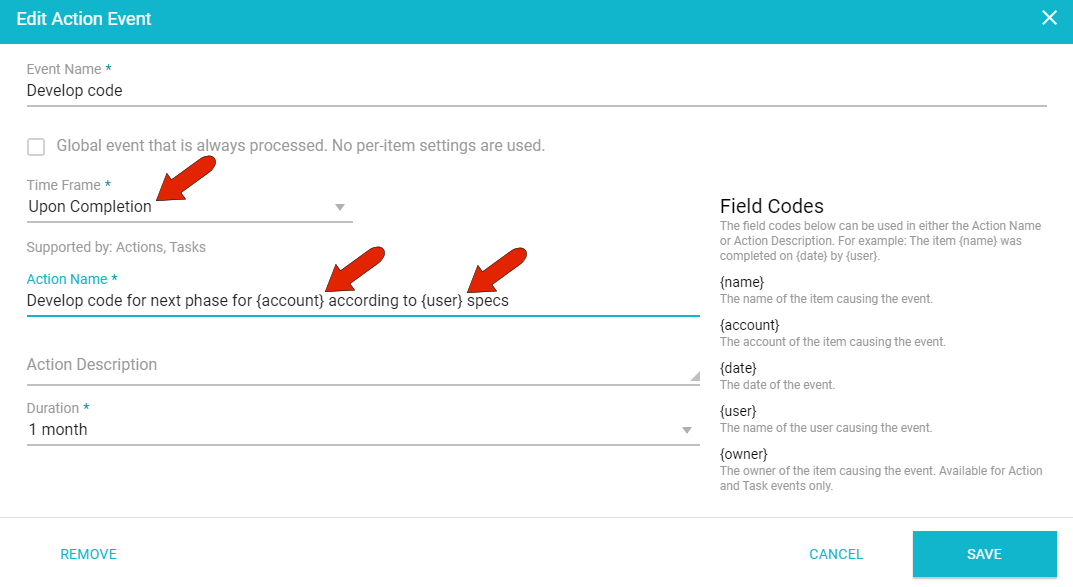
In this example, an action will be created upon completion of the triggering event, involving code development for the account in conjunction with the event-triggering user.
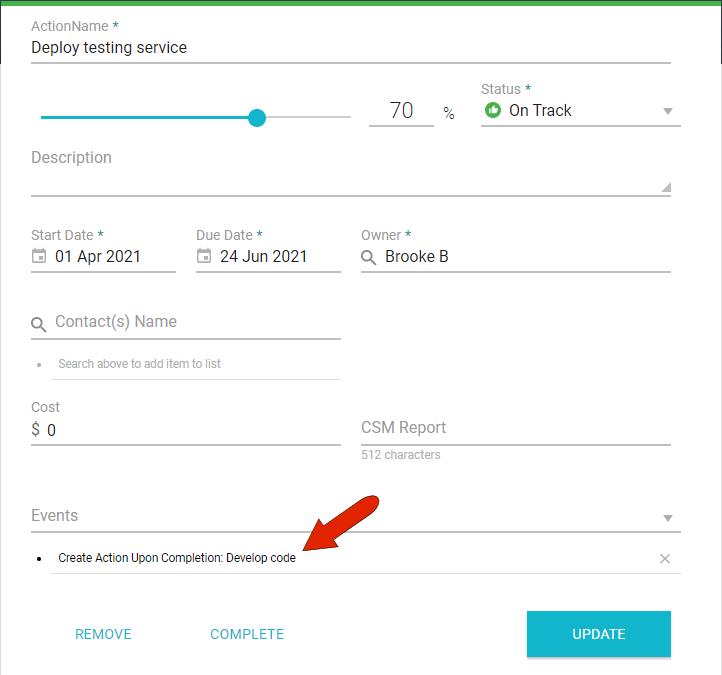
Action events can be set in many places throughout the UI. In this example, the "Develop code" action is included in another action. This new action will be created once the action that contains it is complete.
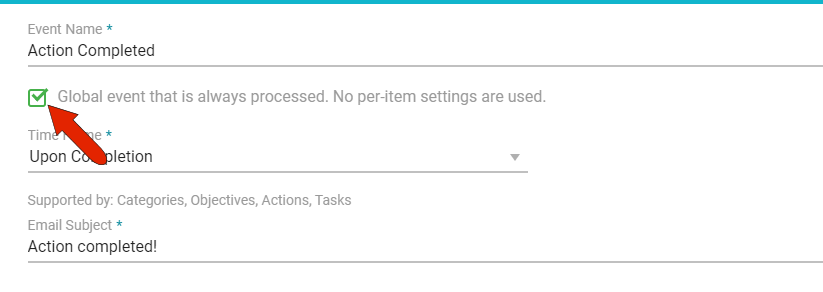
Note: Global events are set to occur automatically and do not have to be set within an action, task, etc.
Comments
0 comments
Article is closed for comments.