
Note: All types of events are created by the admin in the Settings.
Template events trigger templates to be added to an action plan goal, once a certain threshold or target is reached. Templates themselves are configured by the admin.
Template events can be added to:
- Contracts
- Opportunities
- Account Tasks
- Action Plan Goals
- Action Plan Objectives
- Action Plan Actions
- Action Plan Tasks
For example, a template event with a "days before" time frame can be included in contracts, opportunities, actions, and tasks.
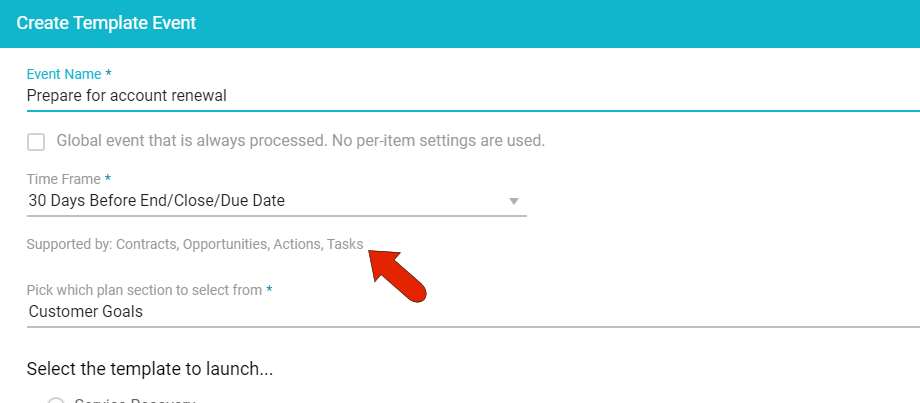
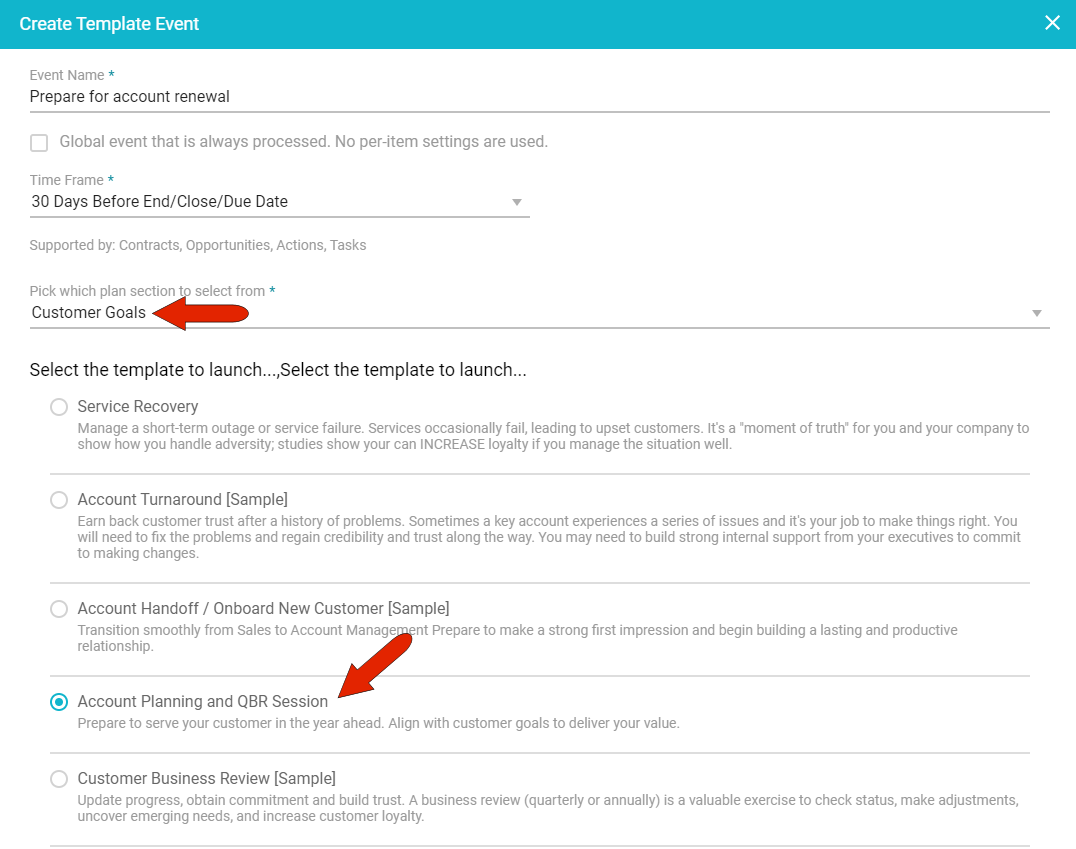
You also need to choose the plan where the template can be found, and the template itself.
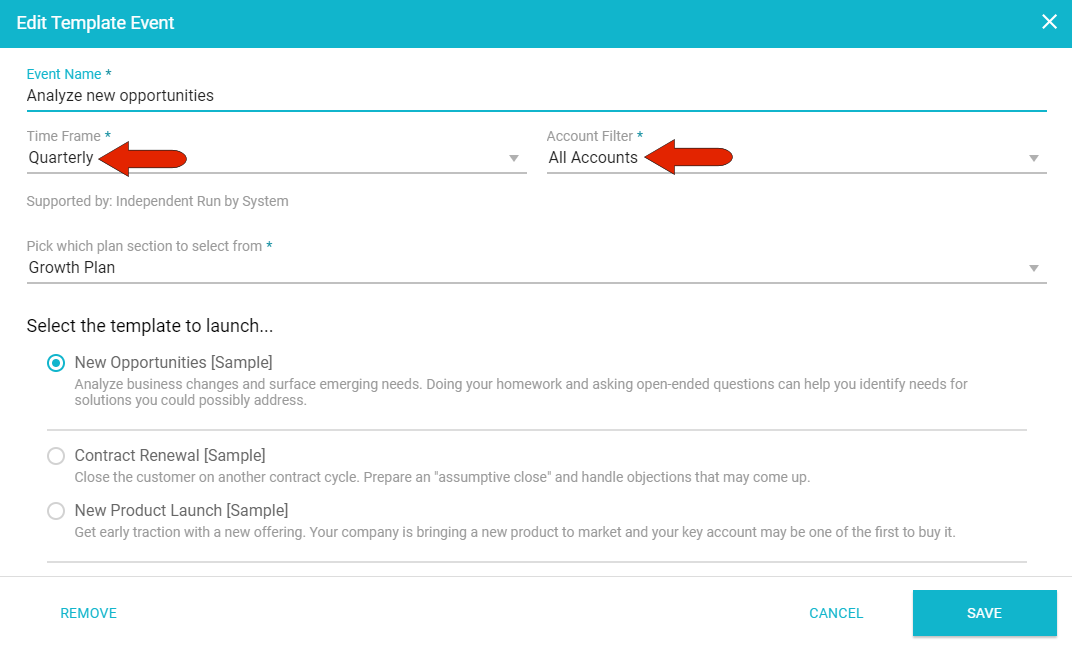
For a template event with a calendar-based time frame, you can select the accounts that will include the template, as well as the plan and template.
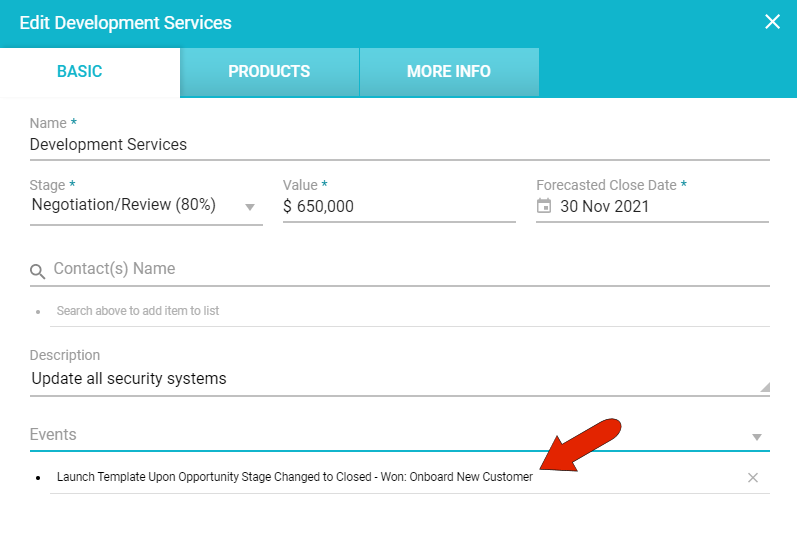
Template events can be set in many places throughout the UI. In this example, the "Onboard new customer" template is included in an opportunity. This template will be launched once the opportunity status is changed to "Closed-Won."
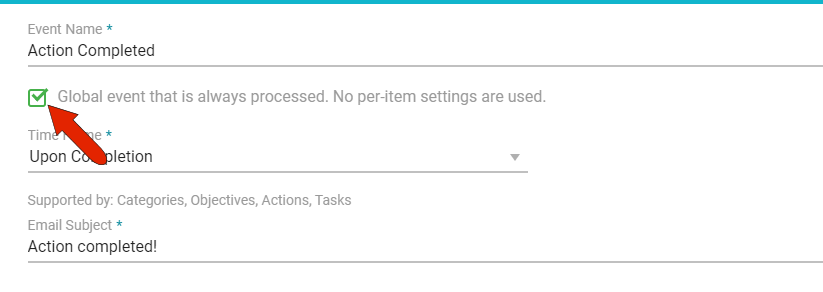
Note: Global events are set to occur automatically and do not have to be set within an action, task, etc.
Comments
0 comments
Article is closed for comments.