
From any location within Kapta, the Search Bar is always available at the top left.
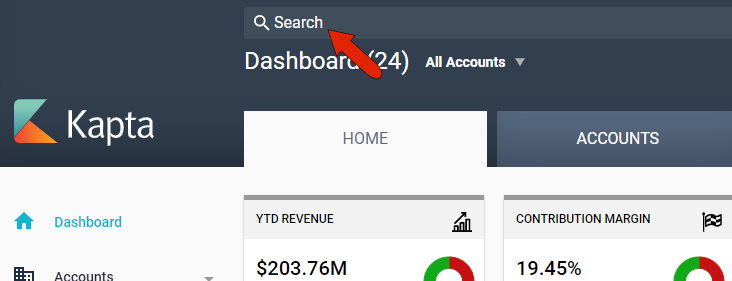
Any text string you enter here will be used to search through accounts, contacts, and notes.
For example, if you want to jump to a specific account, start to type the account name and that account appears at the top of the search.
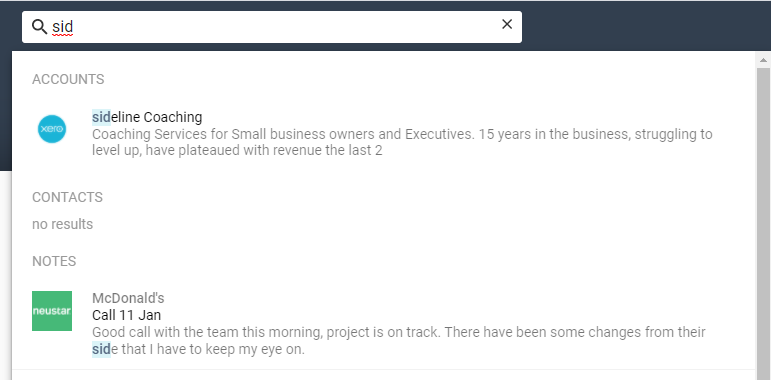
Clicking the account takes you the account DETAILS tab.
Any person defined as a key player or contact can also be searched here.
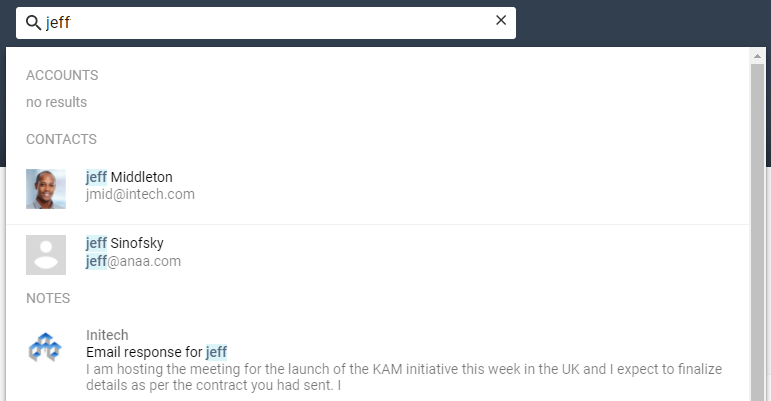
Clicking the contact name will open their profile within their company’s account.
Entering any part of a note, such the word “meeting,” or a contact name, or a date, will search through all notes to find that string. Using a keyword to find a specific note in this way can save you from having to hunt through all of your notes from multiple accounts.
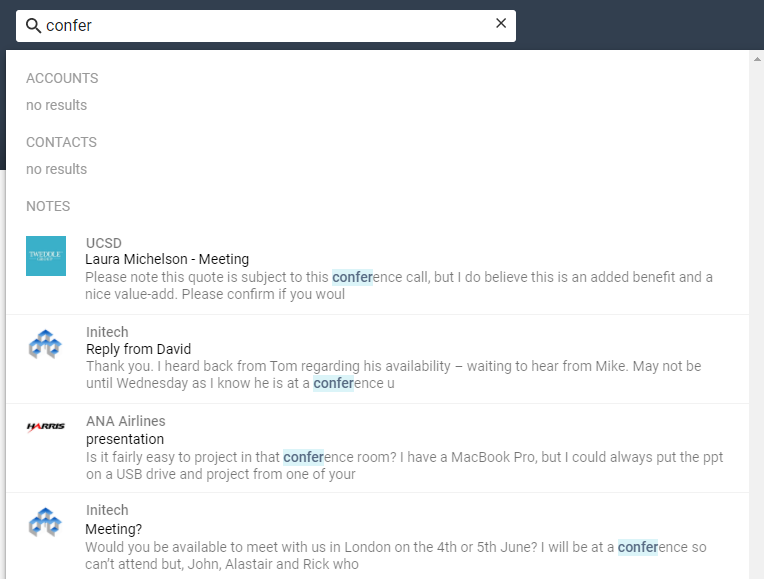
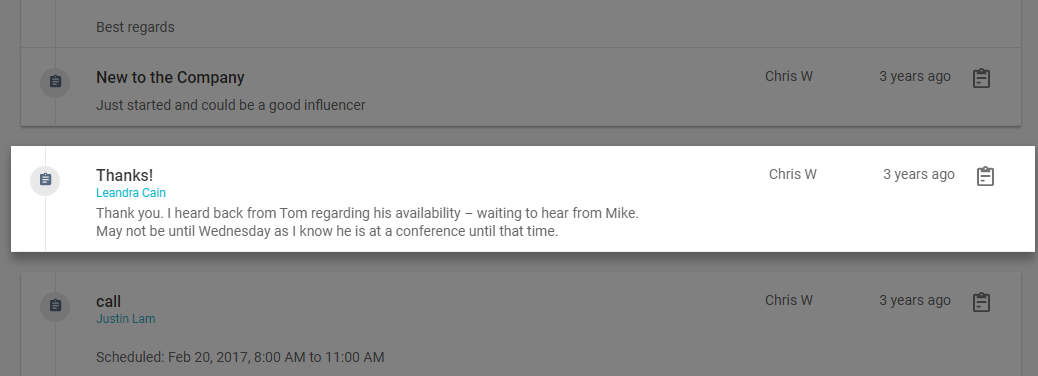
Clicking the note takes you the relevant account's NOTES tab, with the selected note highlighted.
Comments
0 comments
Article is closed for comments.