
The Products data page, available to administrators, displays a list of all of your company’s products.
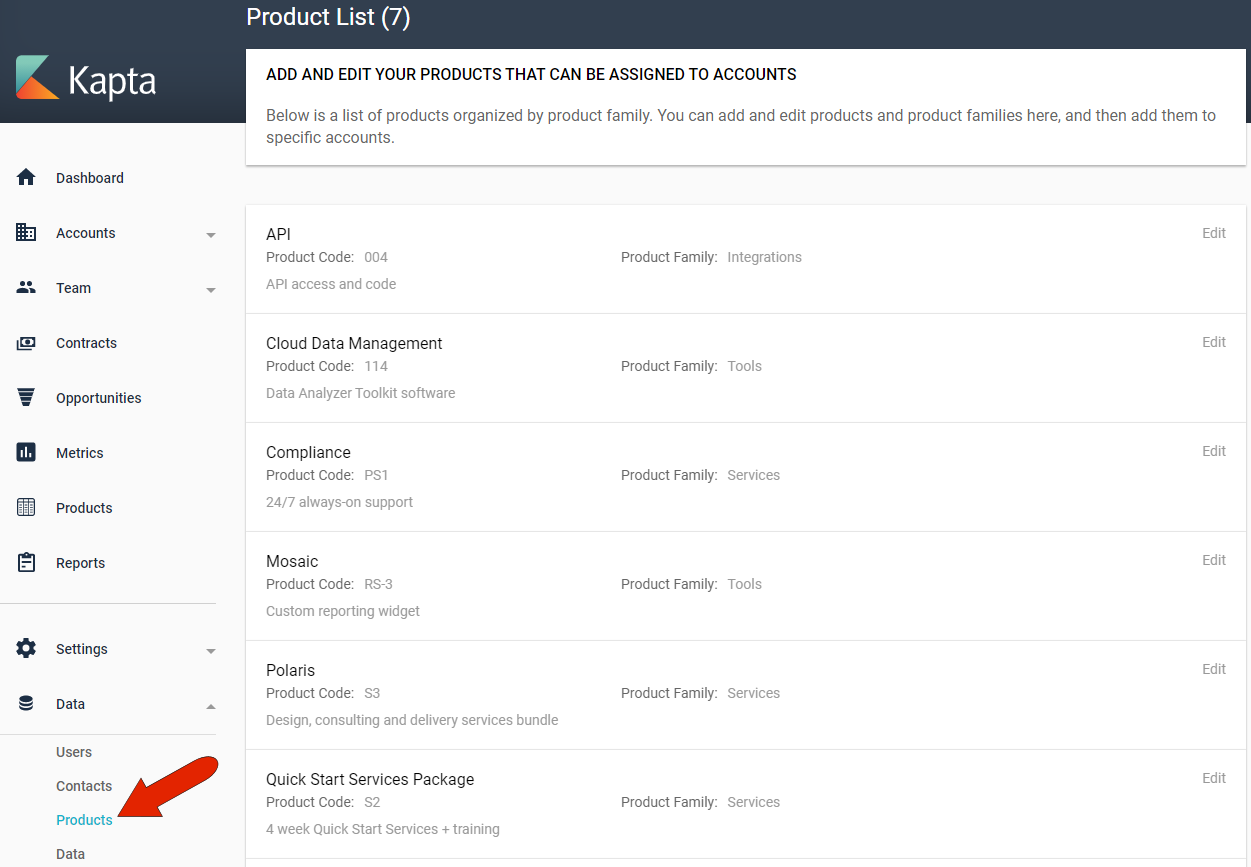
Products can be added to an account in the account’s DETAILS tab. And the Products page, available in the left menu, presents a breakdown of products by account and product family.
There are two ways for the administrator to create a new product: manually or by importing.
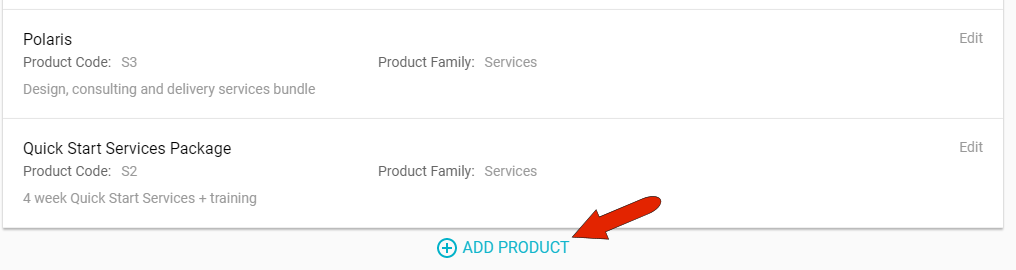
To set up a new product manually, click the Add Product link.
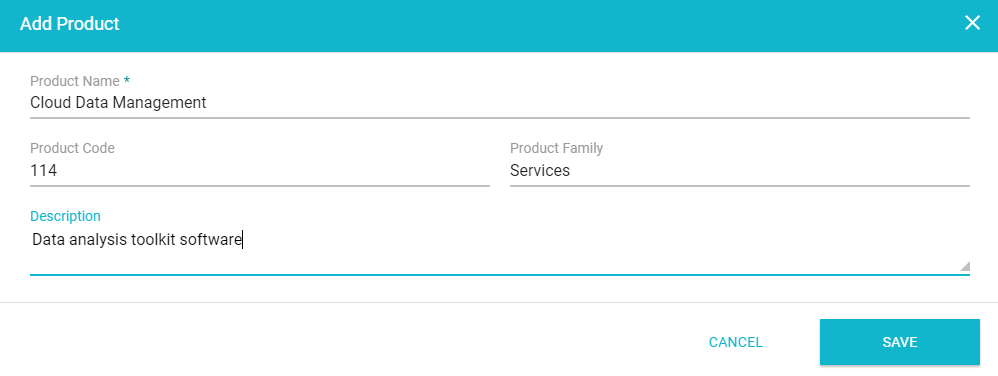
Enter the product name, and an optional internal product code, product family such as Tools or Services, or description.
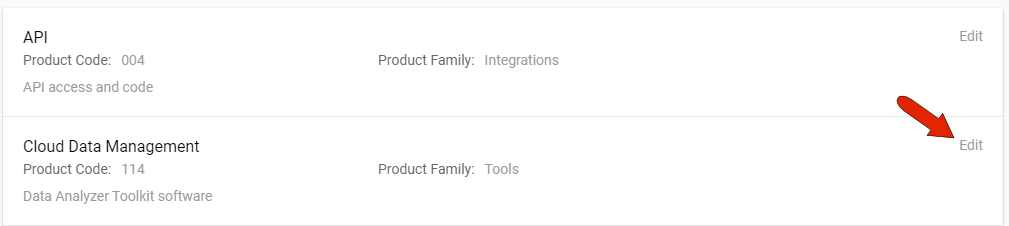
Once added, the Edit link can be used to edit or remove the product.
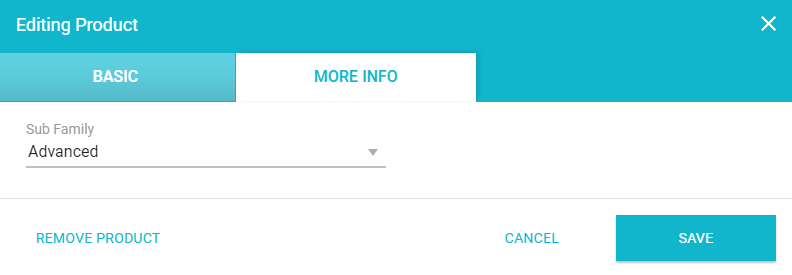
Editing a product also gives you access to the MORE INFO tab, where you can fill in any custom fields set up for products.
Importing products is done on the Data page. Be sure to download the Product Catalog template first, so that your spreadsheet will have the correct structure. Be careful not to delete or overwrite any existing data! 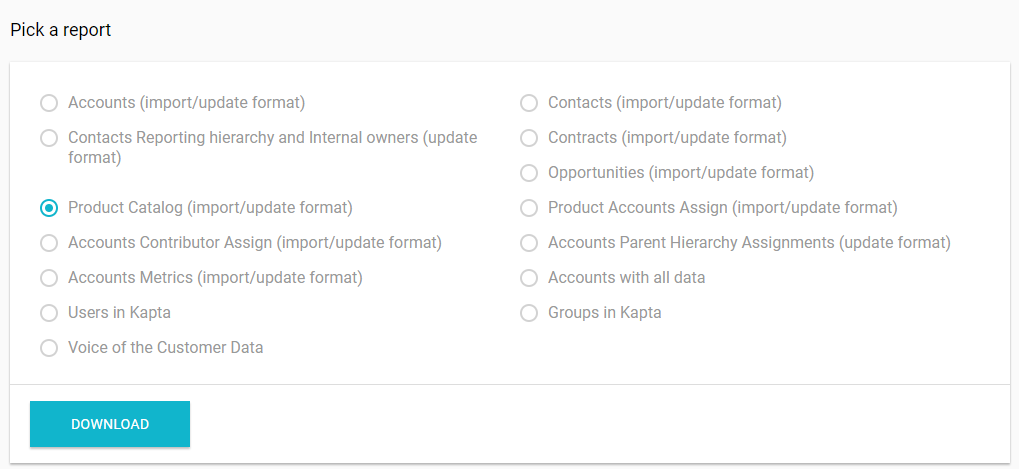
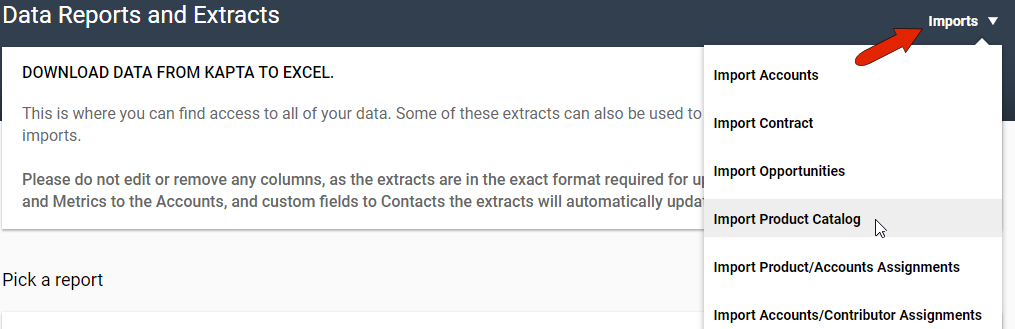
Once your product spreadsheet is ready, click Imports at the top right and choose Import Product Catalog.
Comments
0 comments
Article is closed for comments.