
If you have products enabled, and the administrator has set up your company products, then you can add products to an account’s DETAILS tab.
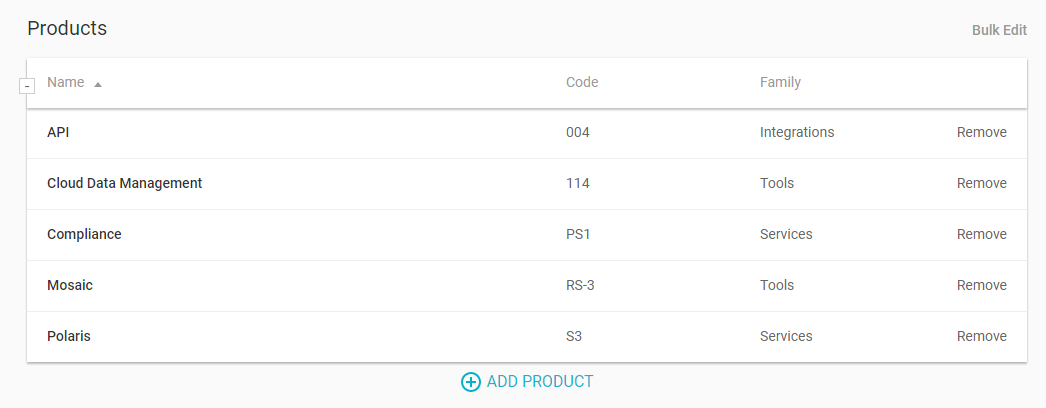
Click Add Product, choose one or more products from the searchable list, and click Assign. Each product will be listed in the table, along with any codes or product families set up by the administrator.
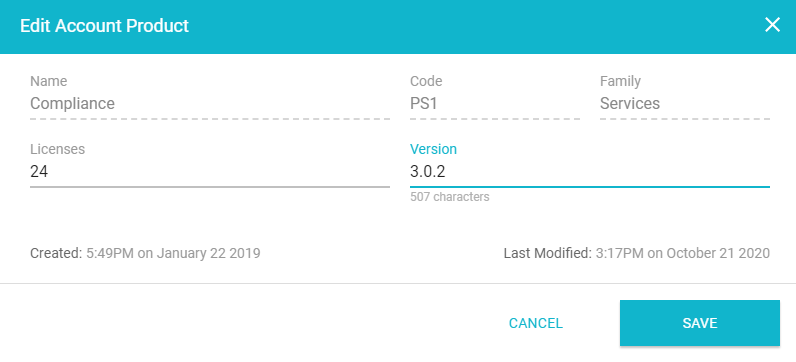
You can click a product to open a window in which you can specify the number of licenses or a version number.
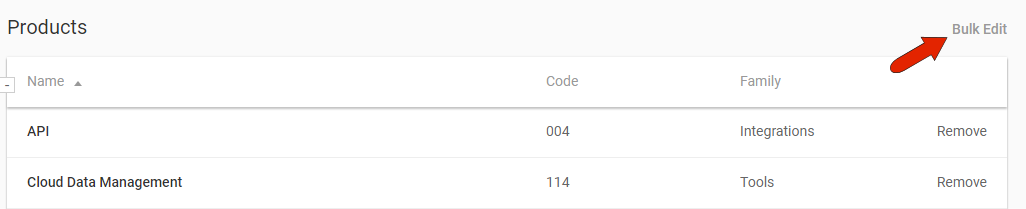
To set these values for the entire list of products, use the Bulk Edit link.
Comments
0 comments
Article is closed for comments.