
There are two types of views that are set in the Views settings: Metrics filters and the appearance of the account DETAILS tab.
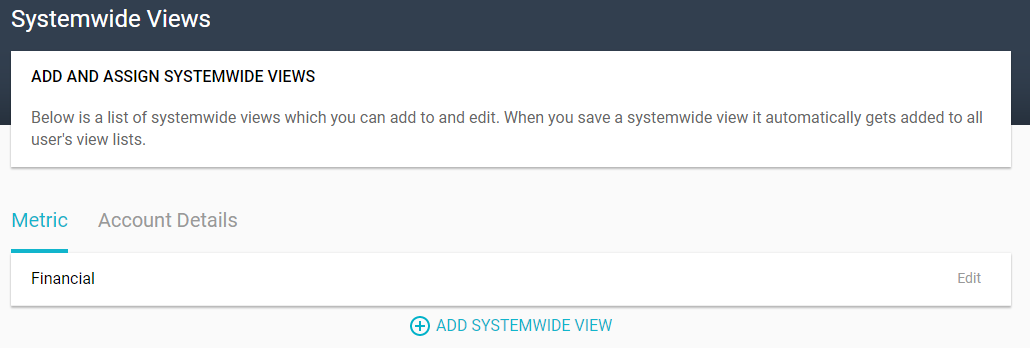
The metrics that appear on the portfolio Metrics page are set by the administrator. By default, all of these metrics are listed. Users can set up their own filters to display only some of these metrics, and in the Views Settings, the administrator can set up system-wide metrics filters.
Click the Add System-Wide View link, assign a view name, and select from the list of available metrics.
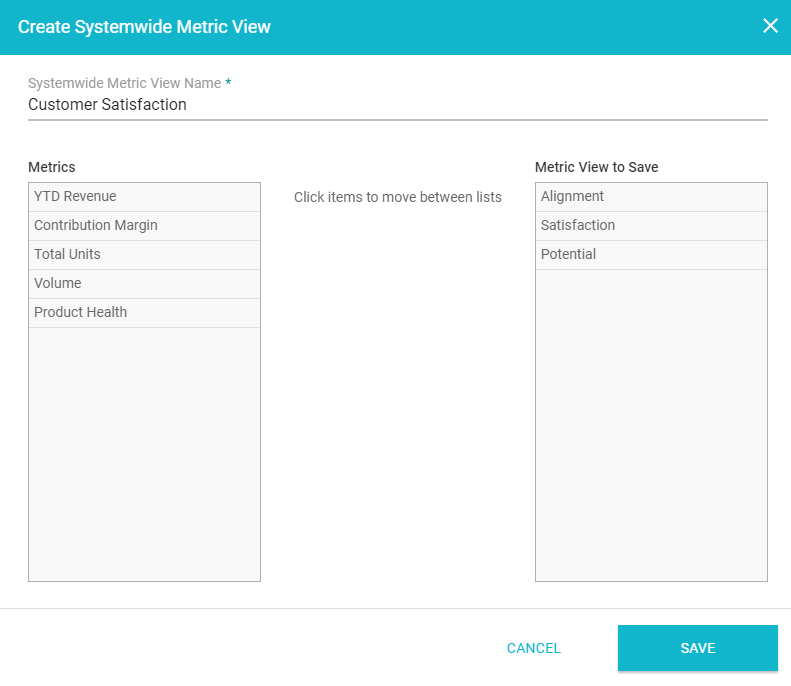
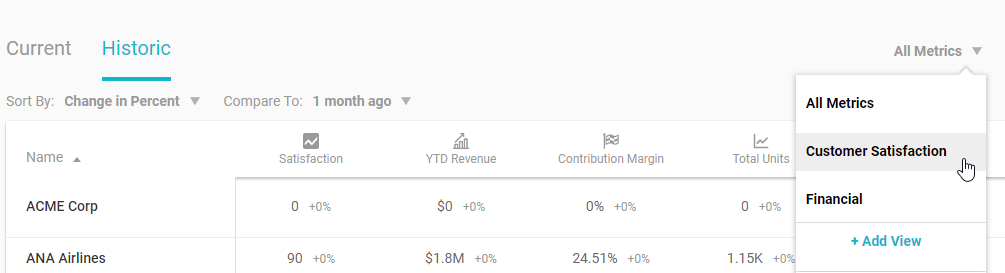
Once saved, this filter will be available for all users, for the tables on the portfolio Metrics page.
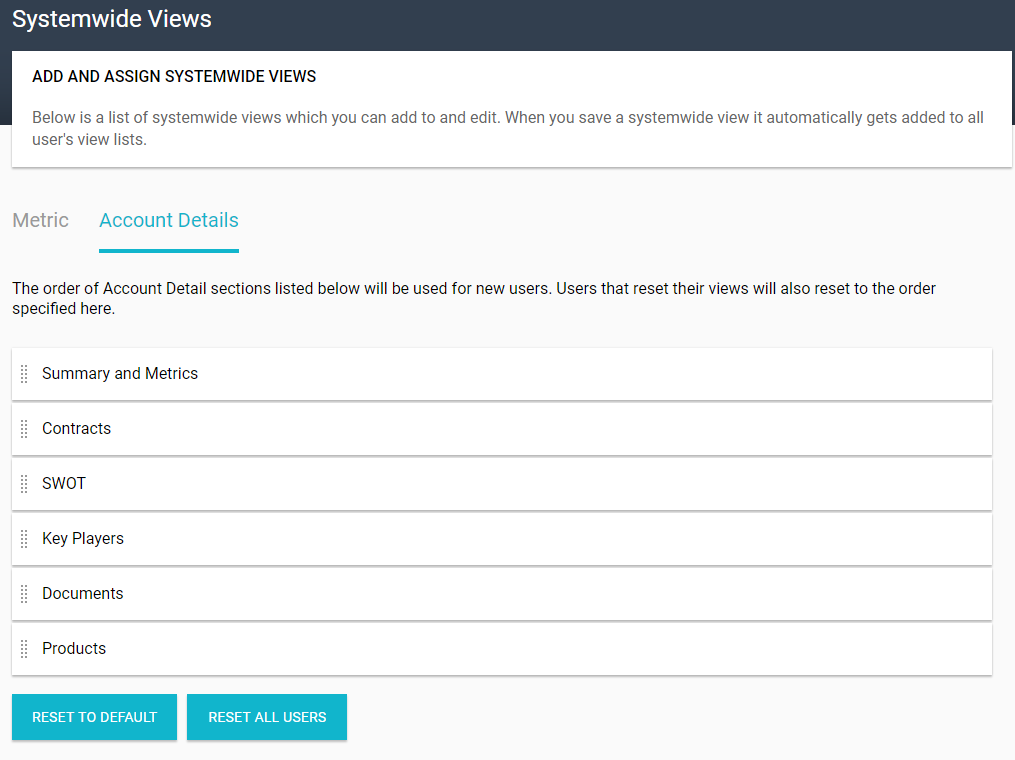
The other type of view you can set in the Views Settings is what appears on an account’s DETAILS tab. The list of available sections depends on your Kapta license, and you can move sections to re-order the list.
Comments
0 comments
Article is closed for comments.