
Throughout the Kapta UI, you can filter certain lists.
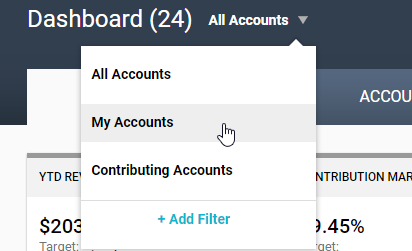
For example, you can filter accounts to show only your accounts or accounts for which you're a contributor.
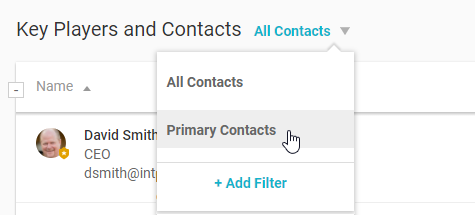
Or within an account, you can filter the list of key players to show only primary contacts.
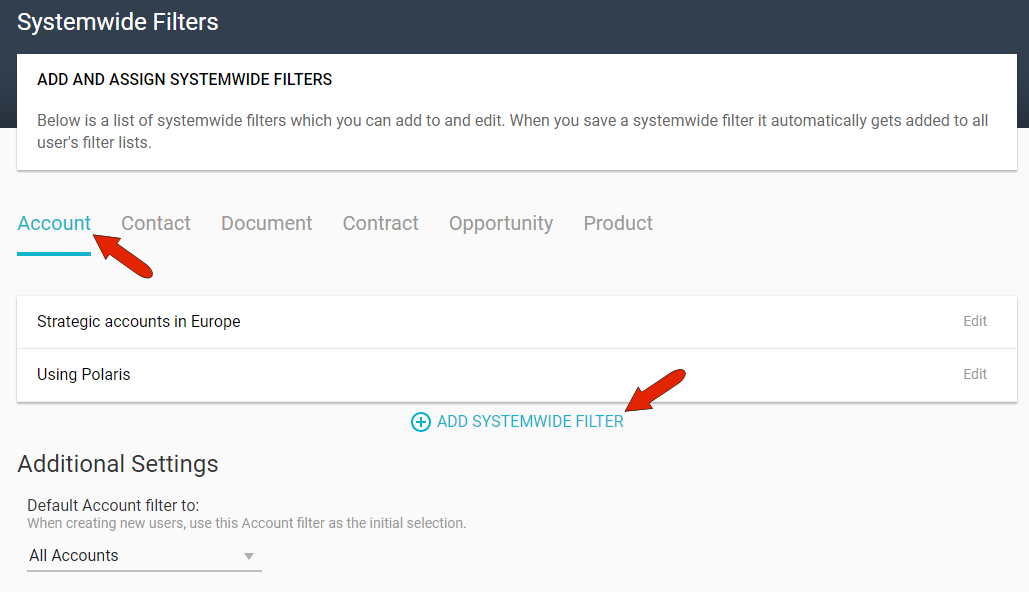
Some of these filters are standard, and users can set up their own filters. The administrator can also set up system-wide filters, which is done in the Filters Settings. The lists that can be filtered are listed across the top, and each view type has a link to Add a System-Wide filter.
Note: Filters for Metrics views are set in the Views Settings.
As an example, this account filter is named Strategic and Flagged Accounts, and it will find only accounts whose type is Strategic or Flagged.
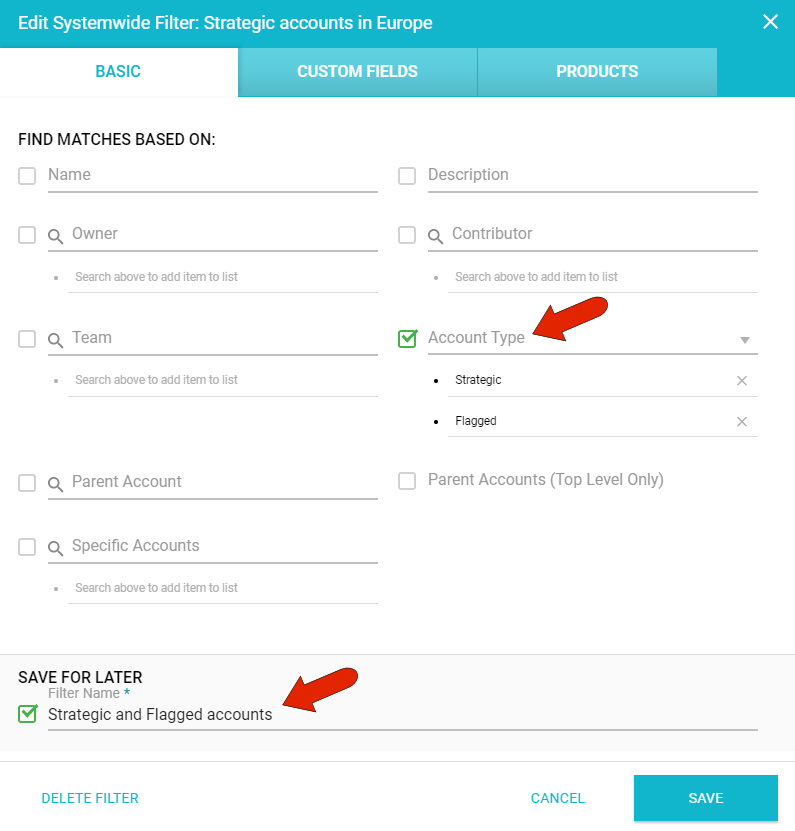
The CUSTOM FIELDS tab contains the custom fields set up by the administrator for accounts. In this example, Europe is selected for HQ Location. So this filter will look for accounts that meet both criteria: account type and location.
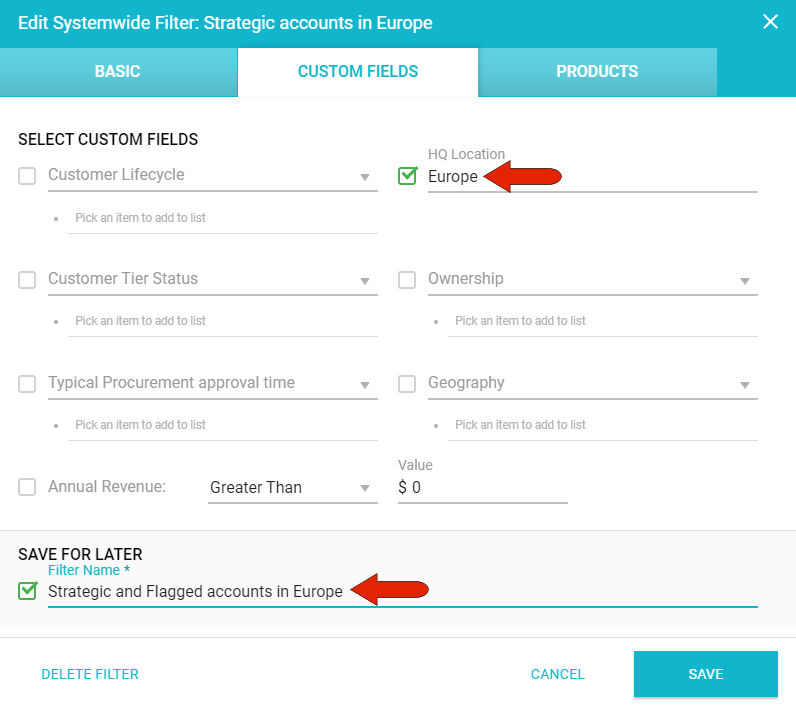
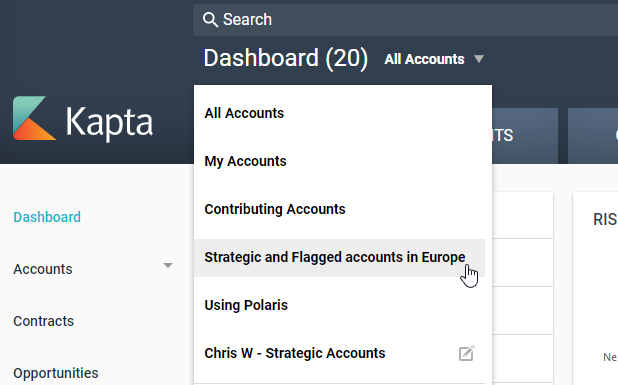
Once saved, this filter will be available for all Kapta users, wherever the Accounts filter is used.
Other filter examples can include filtering contacts by role or decision power, filtering contracts by upcoming expirations or value, or filtering opportunities by one or more stages.
Comments
0 comments
Article is closed for comments.