
One way to create pre-populated action plan goals for an account is use an account template.
But if you've set up a goal manually for an account, without using a template, you can copy that goal to use in other accounts.
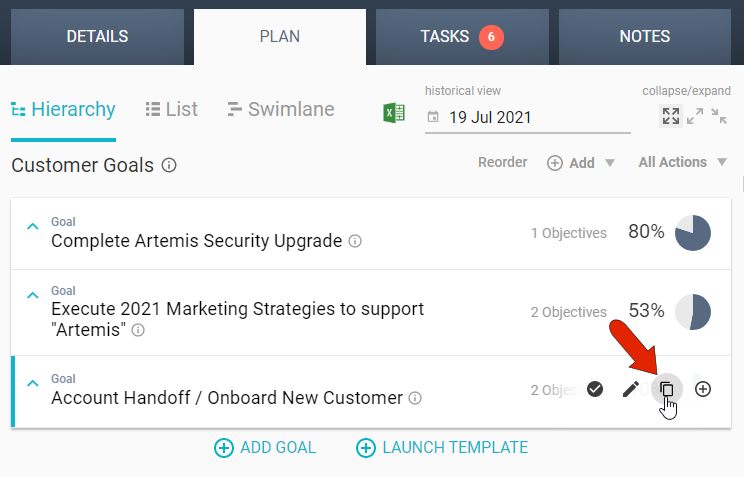
In the PLAN tab of the account whose goal you want to copy, hover over the goal name. From the icons that appear on the right, click the Copy Goal icon.
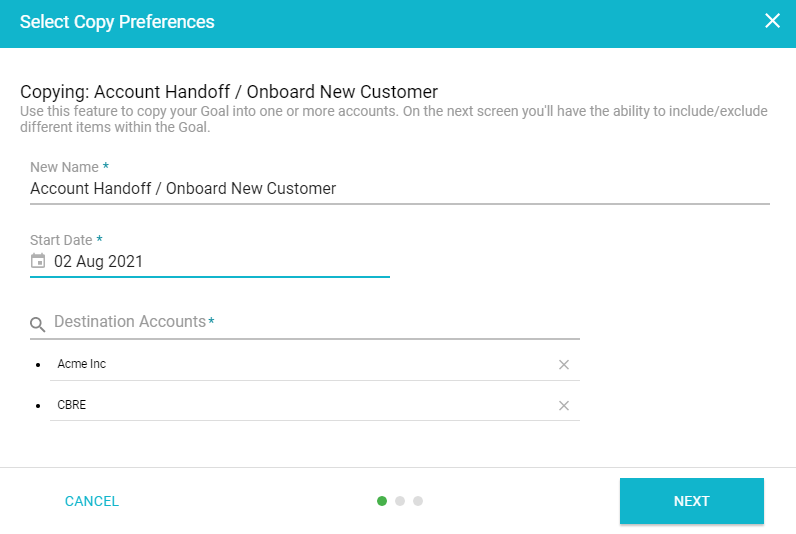
There are three steps to create the new, copied goal. In the first step, you can keep or edit the goal name, set a start date, and choose one or more accounts into which the goal will be copied.
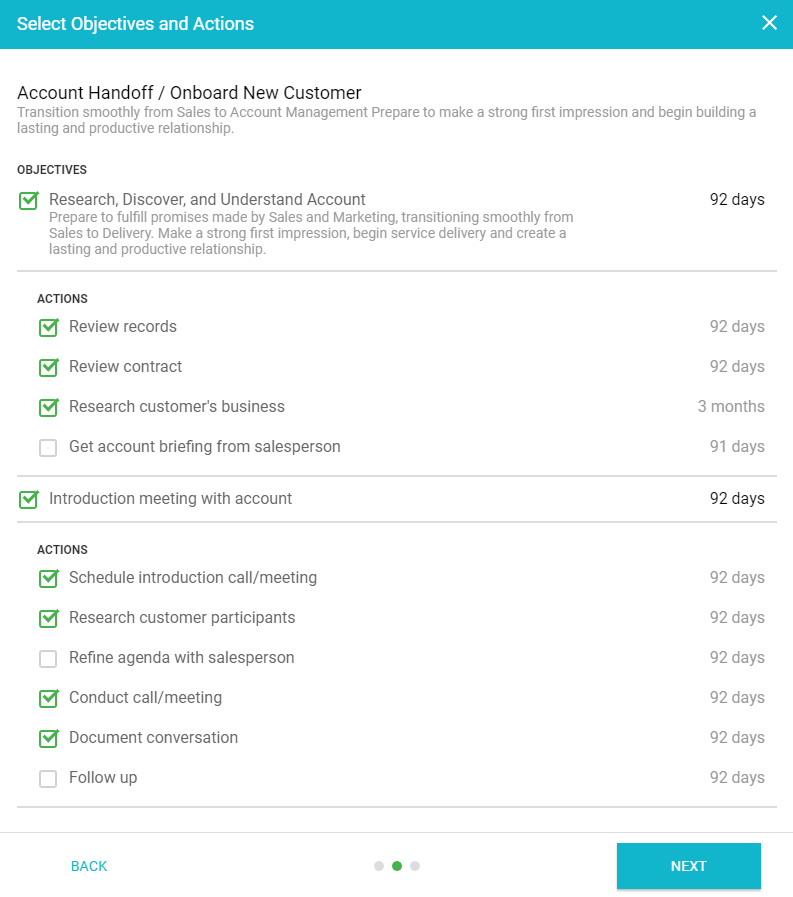
In the next step, you can choose to keep all goal objectives and goal actions (depending on whether the goal is basic, intermediate, or advanced), or uncheck the ones you don't need to be included.
The final step presents a summary of the new goal and where it will be copied.
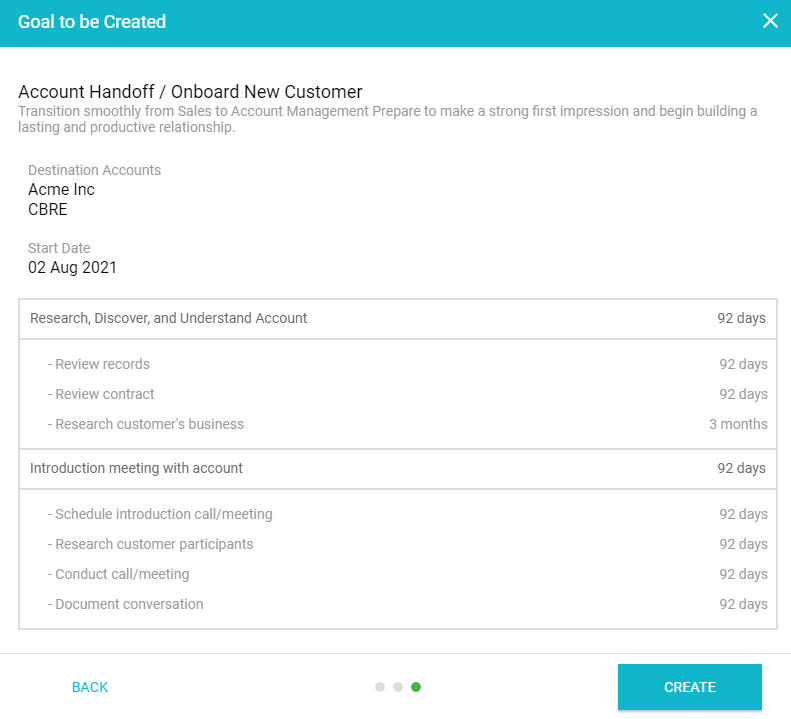
After clicking CREATE, the new goals will be placed in their relevant accounts.
Comments
0 comments
Please sign in to leave a comment.