
If the account you’re setting up is for a sub company within an existing account, you can define the parent-sub account relationship. Defining the hierarchical structure correctly is important for producing accurate org charts and metrics.
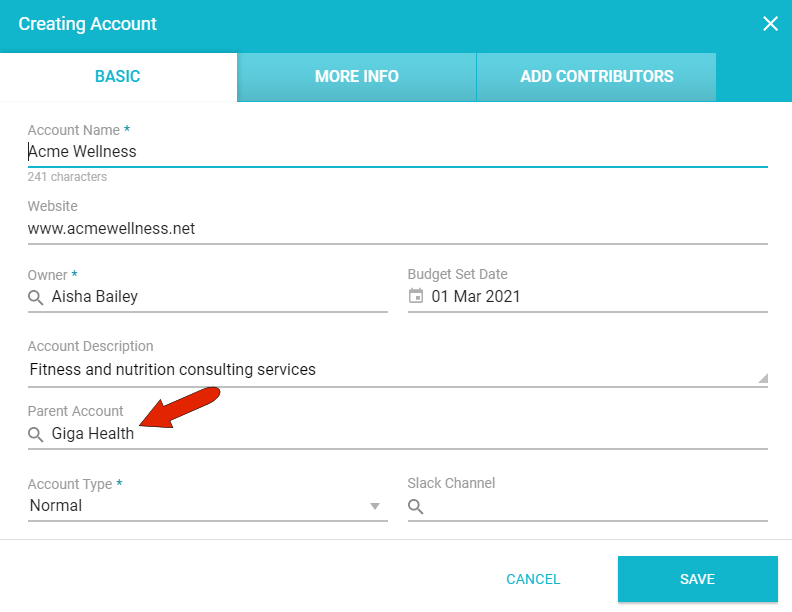
When creating the account for the sub company, specify the Parent Account in the BASIC tab of the Creating Account window.
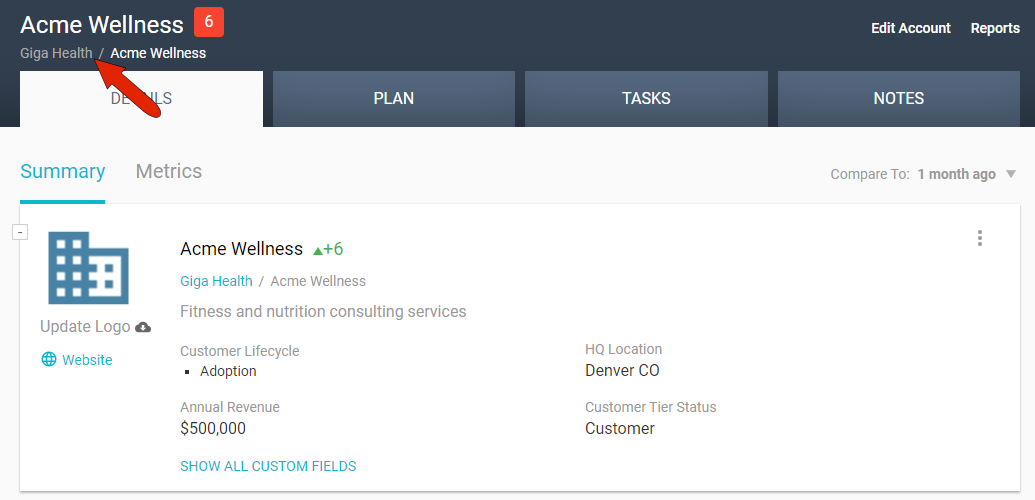
Once created, the account will be open, and its parent company will be listed below the account name.
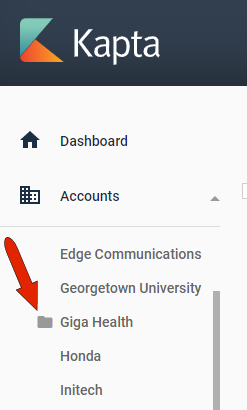
In the Accounts list, the parent company will now have a folder icon, indicated that it contains sub accounts.
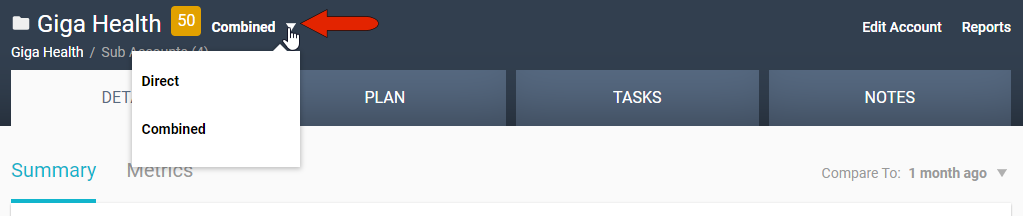
When the parent account is open, you can choose whether to display data for the account directly, or to include combined data from all sub accounts.
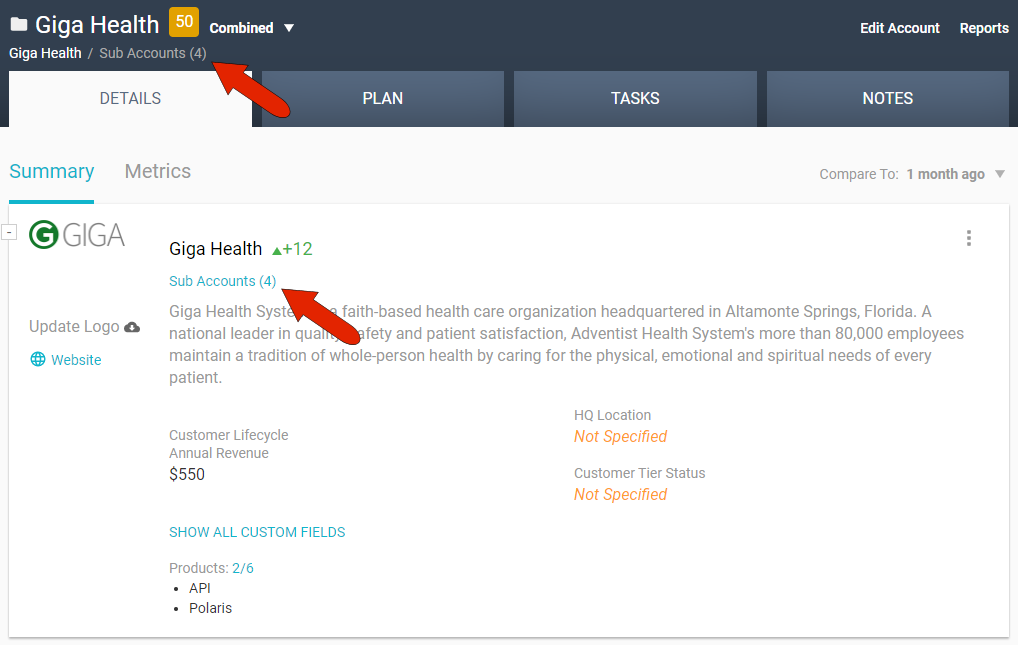
You can access sub companies by clicking either Sub Accounts link within the parent account.
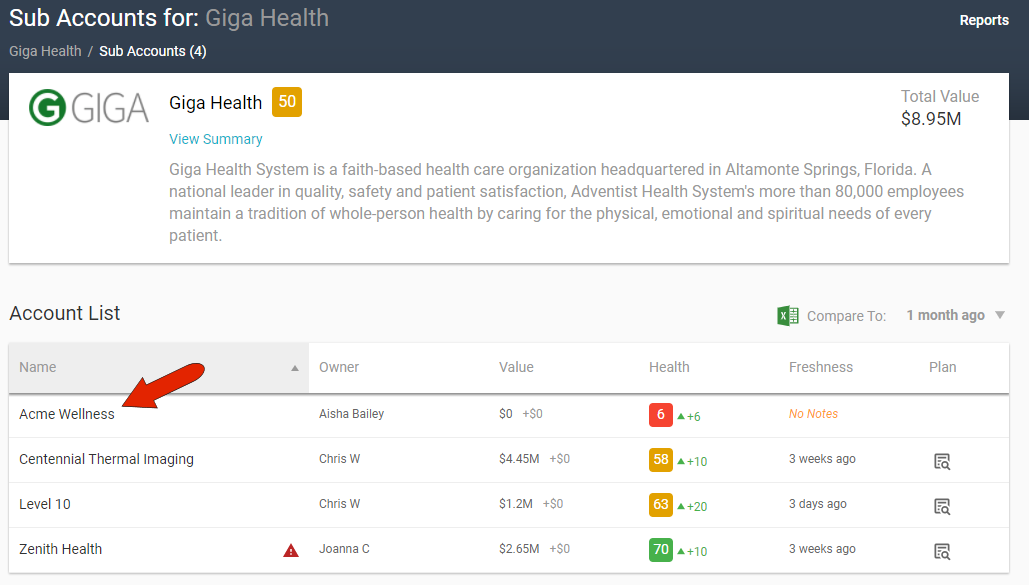
All sub accounts are listed in a sortable table, and you can click an account name to open it.
You can also find a sub company by using the search bar at the top left.

Comments
0 comments
Article is closed for comments.