
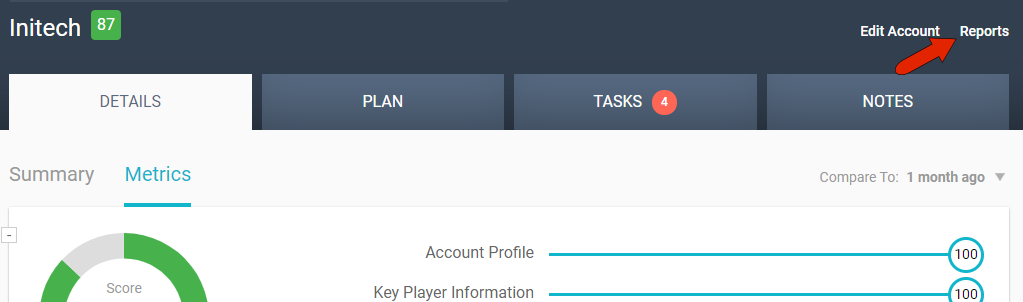
While an account is open, you can generate reports that include account notes. Click the Reports link at the top right.
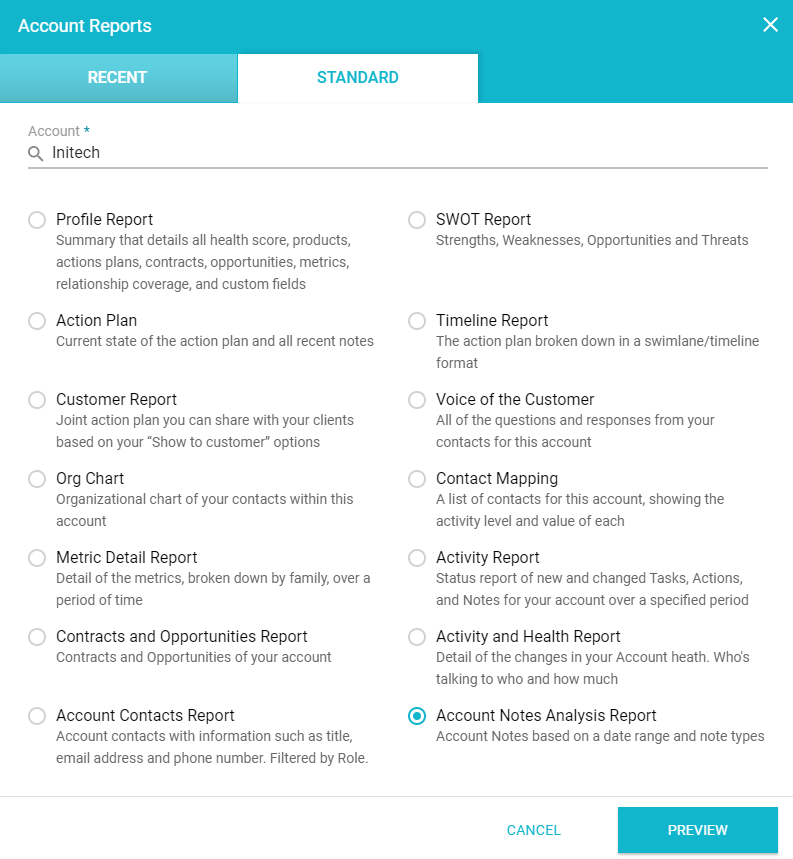
The STANDARD tab lists all available account reports set up by the administrator. Here you’ll find, if enabled, the Action Plan report which includes notes in addition to action plan information, and the Account Notes Analysis Report, which includes just notes.
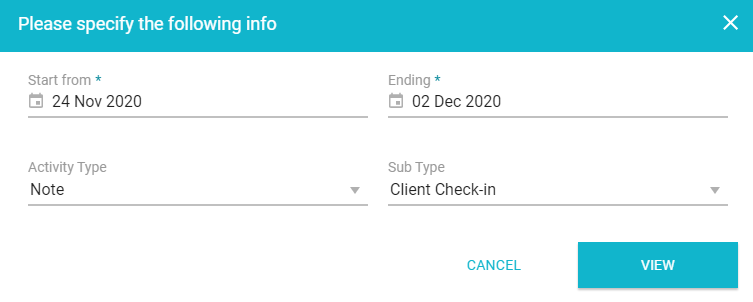
For the Account Notes Analysis Report, you can filter by dates, or by activity type or sub type.
You can also access these reports by opening Reports on the left menu. Here you can generate note reports across your portfolio, note reports for one or more accounts, or a data extract of notes.
Comments
0 comments
Article is closed for comments.