
On the Reports page, the Data Extracts tab provides access to several popular downloadable reports that don’t require administrator permission.
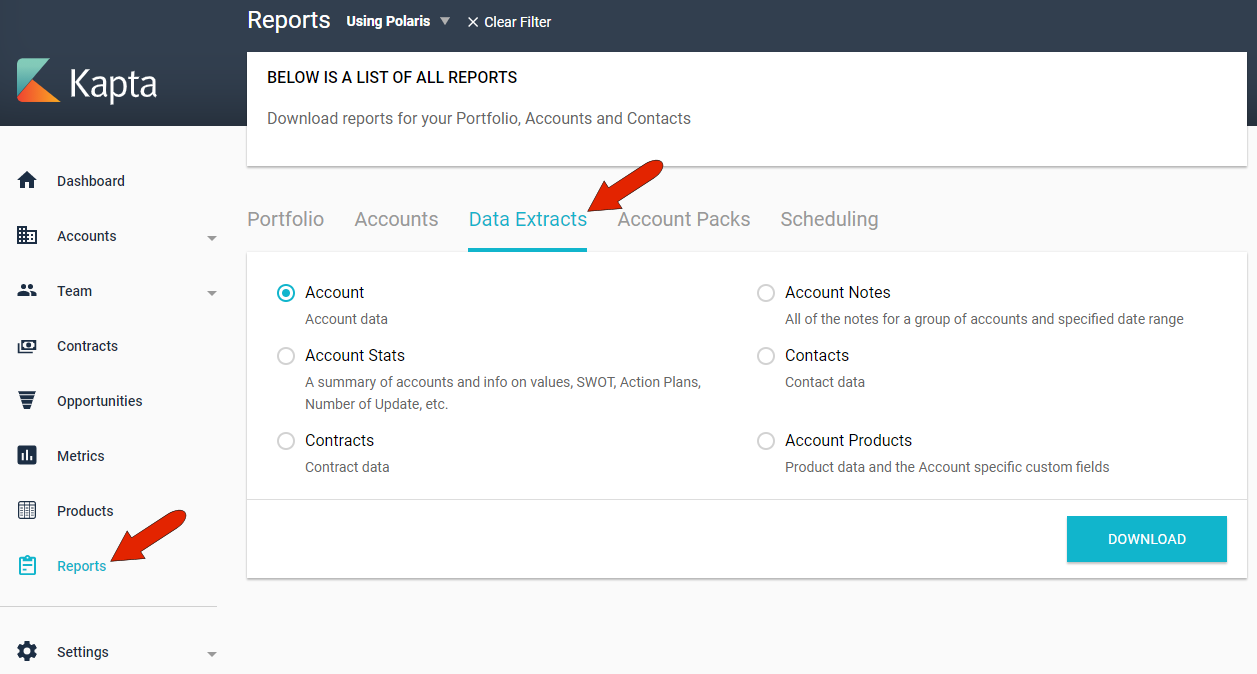
These include account data or stats, account notes, contracts and contacts, and products used in each account. These reports download in spreadsheet format.
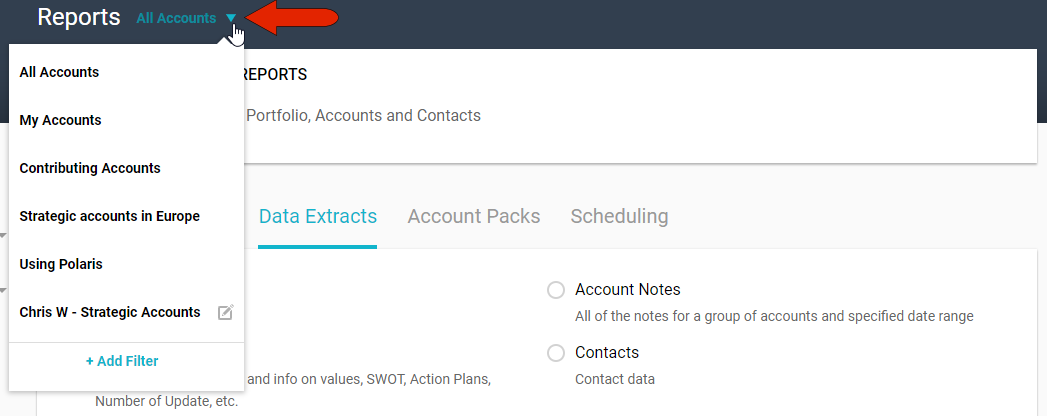
By default, data extracts include data from all accounts. You can narrow the list of accounts by clicking the Account Filter drop-down and choosing just My Accounts, which are accounts for which you’re the owner, or accounts for which you’re a contributor. The administrator can set up additional system-wide filters, and you can click Add Filter to create your own filter which will be available only to you. For example, you can extract data only for accounts in certain regions, or for accounts that use specific products.
Comments
0 comments
Article is closed for comments.