
Depending on where you are in Kapta, there are lists of reports that can be generated by clicking the Reports link at the top right.
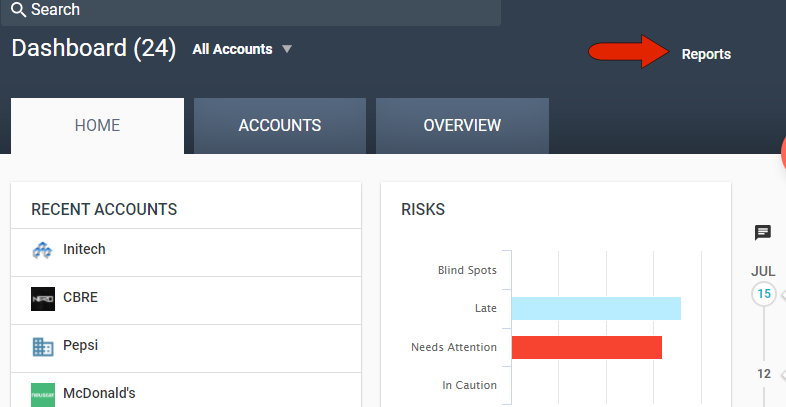
While in the Dashboard, you can access portfolio-level reports. While in an account, you can access account-level reports.
You can also find all available reports by clicking Reports in the left menu.
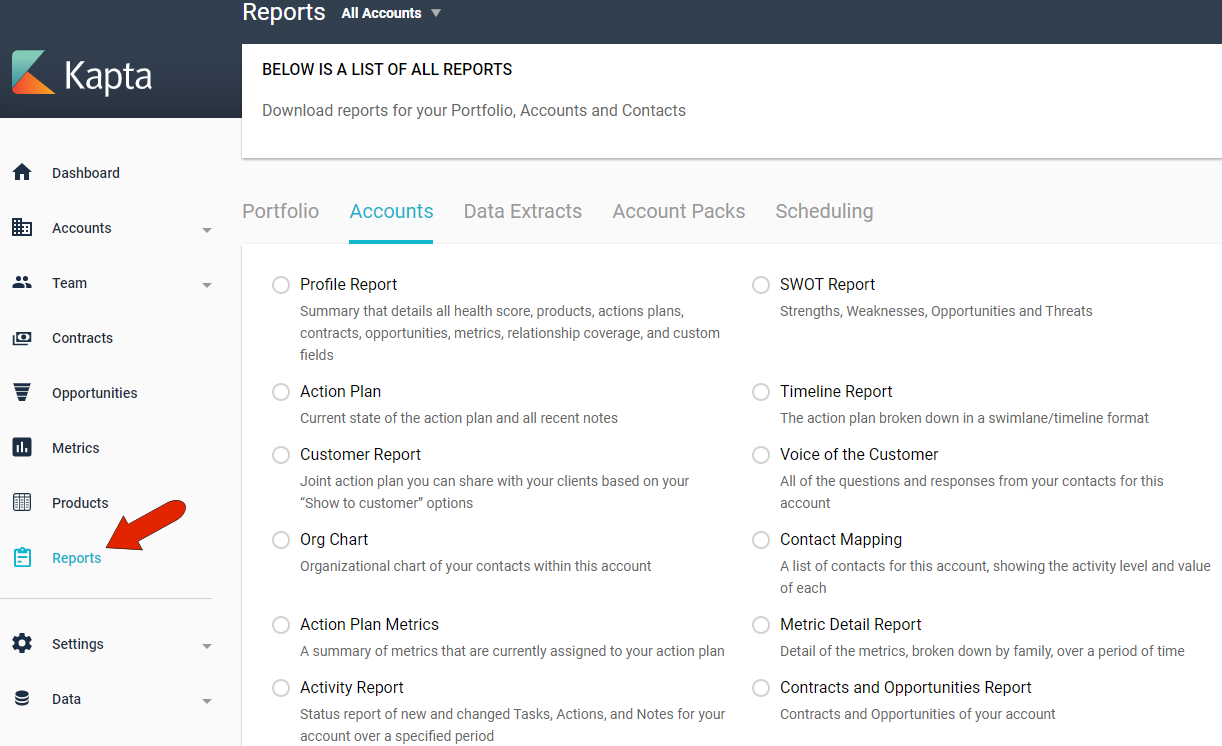
The reports that are available in these menus are set by the administrator, in the Reports Settings.
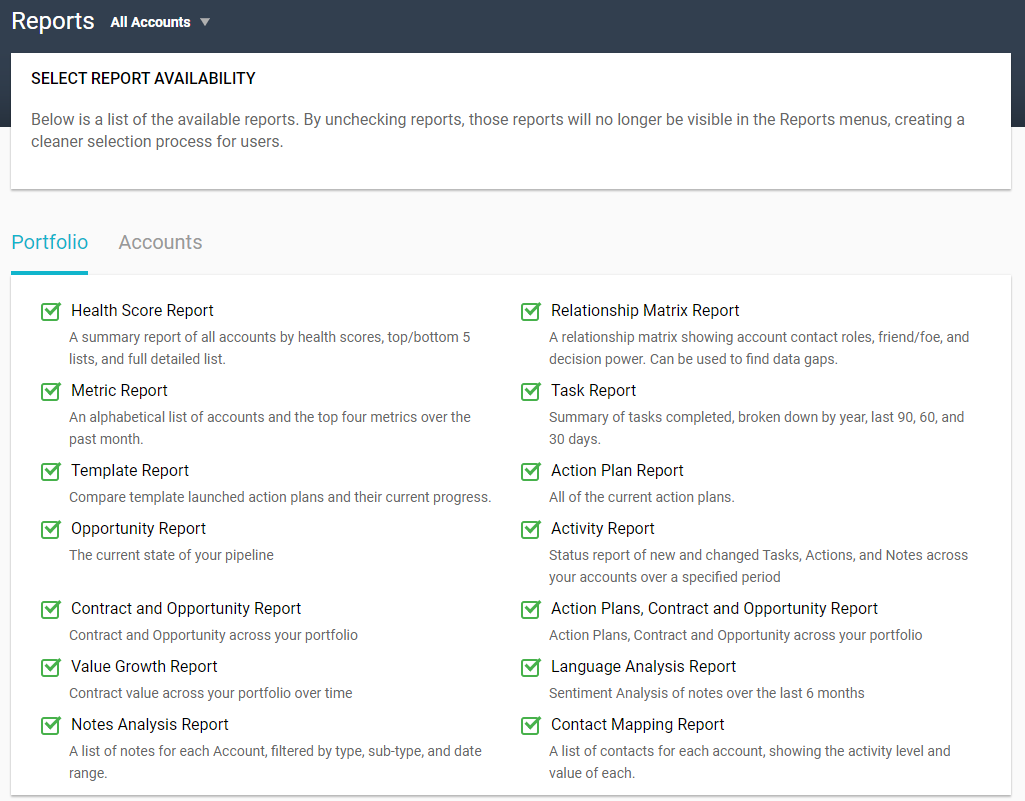
For both the Portfolio and Account-level reports, check the reports that will be available to your users.
Comments
0 comments
Article is closed for comments.