
Note: The hierarchy of the Teams menus on the left is configured by the administrator. Teams themselves are also configured by the administrator.
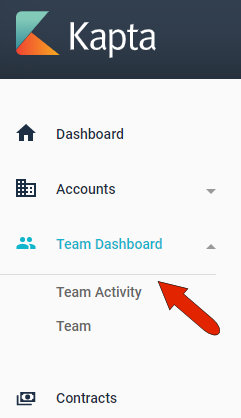
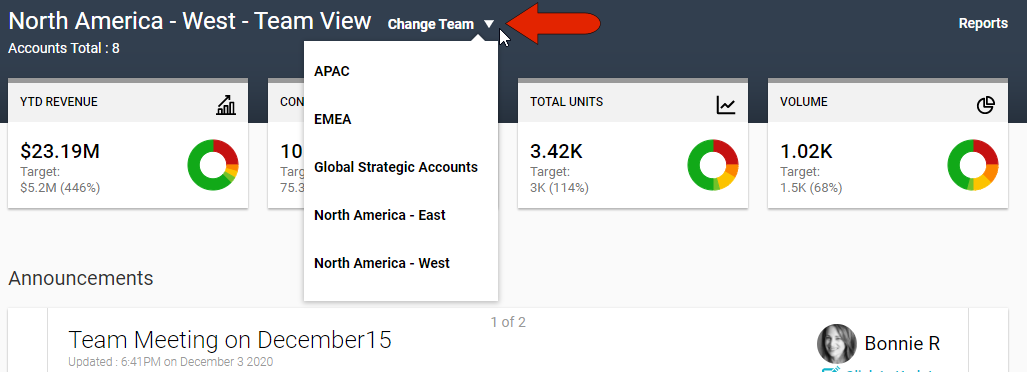
The Team Dashboard presents an at-a-glance status of a team’s overall account health, announcements, tasks, and documents. This dashboard view is the same for all team members. The team for which this information is displayed can be set by the Change Team drop-down at the top left.
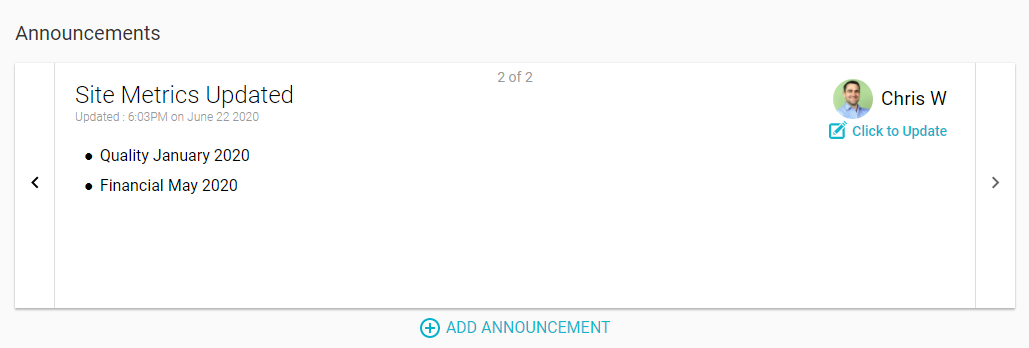
Announcements are listed in scrolling format, and you can update an announcement to edit or remove it. You can also add a new announcement.
Below this are tasks assigned to each team member. You can add a task for an individual team member, or use the Add to Team link to create a task for everyone.
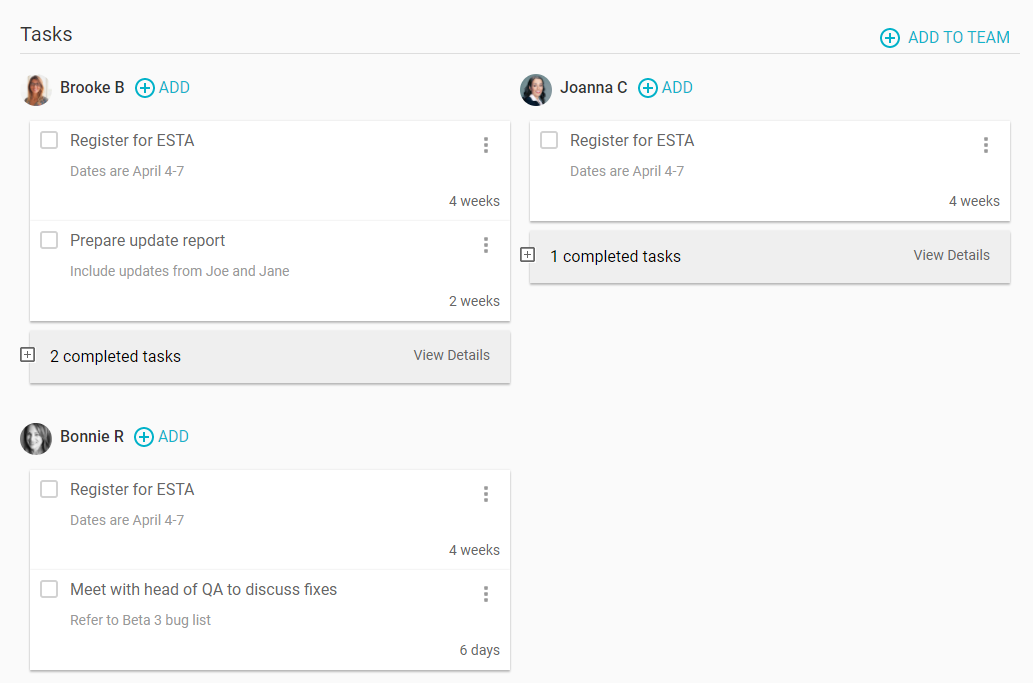
All tasks listed here will also appear in the Tasks section of each team member’s Dashboard.
The last section on the Team Dashboard is for any team-related documents.
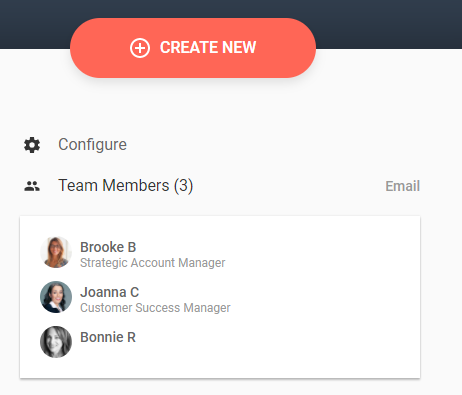
At the top right is a Configure link which you can use to set the number of announcements and tasks that are listed in the Team Dashboard. Below this is a list of team members, with a link to send an email to all or some individuals on the team.
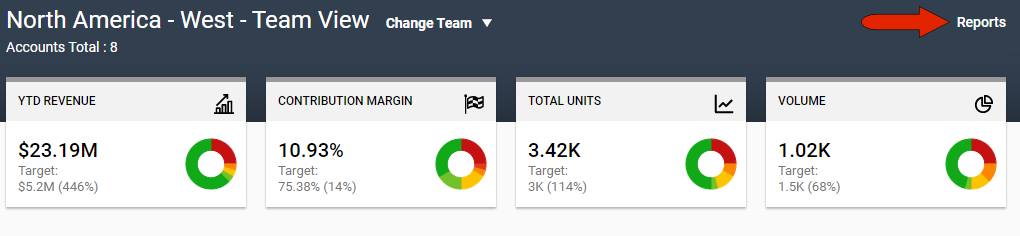
Finally, to download a Team Overview report for the currently selected team, click the Reports link at the top right.
Comments
0 comments
Article is closed for comments.