
Note: The hierarchy of the Teams menus on the left is configured by the administrator. Teams themselves are also configured by the administrator.
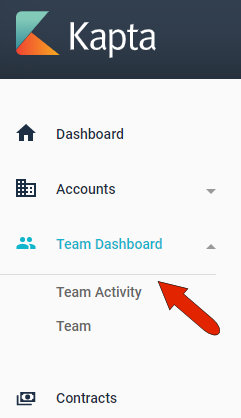
The Team page displays the status of only your team.
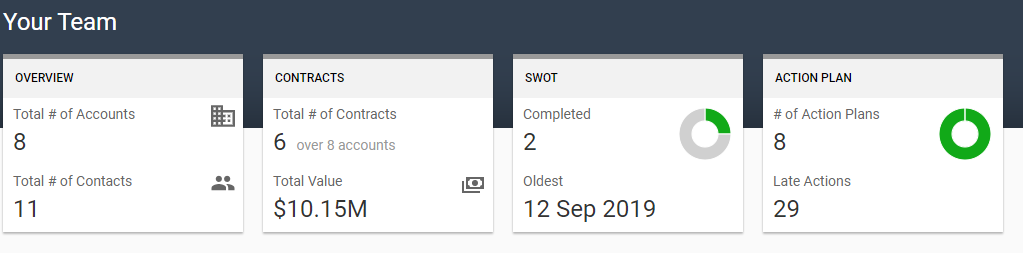
At the top is an overview of your team’s total accounts, contracts, SWOT analyses, and action plans.
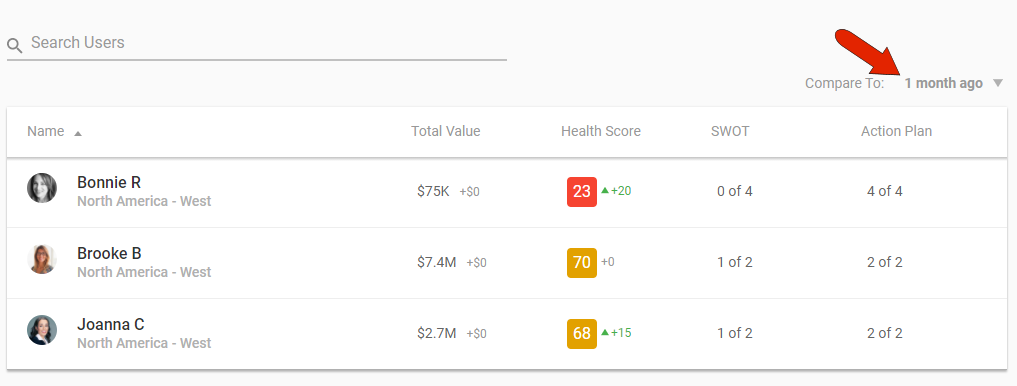
Below this is a searchable and sortable list of team members. Each team member is listed with their current total value, account health score, SWOT analyses, and action plans. The gain or loss values are calculated from the time period set at the top right.
Comments
0 comments
Article is closed for comments.