
The Contacts data page, available to administrators only, presents a list of all key players and contacts from all of your company’s accounts.
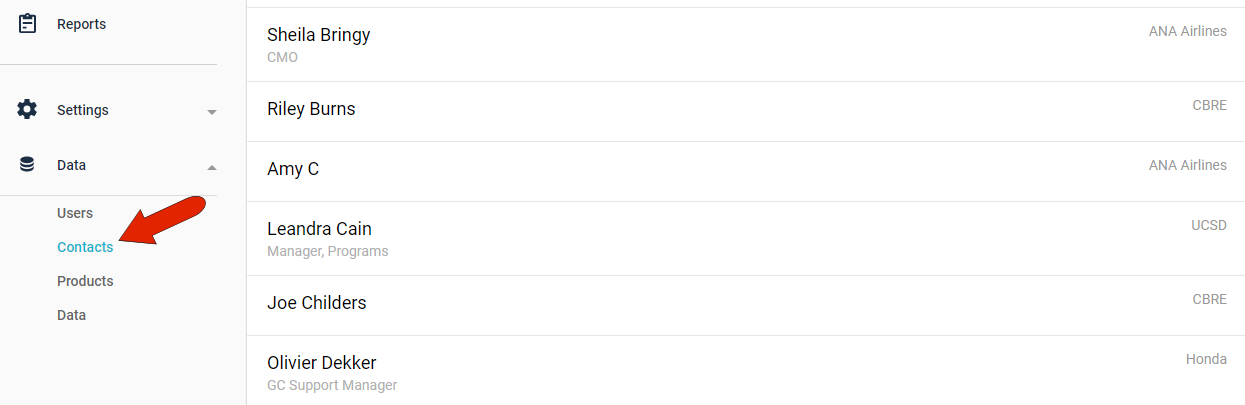
This list includes all contacts added manually by Kapta users when setting up an account, as well as any contacts created by the administrator, or imported by the administrator.
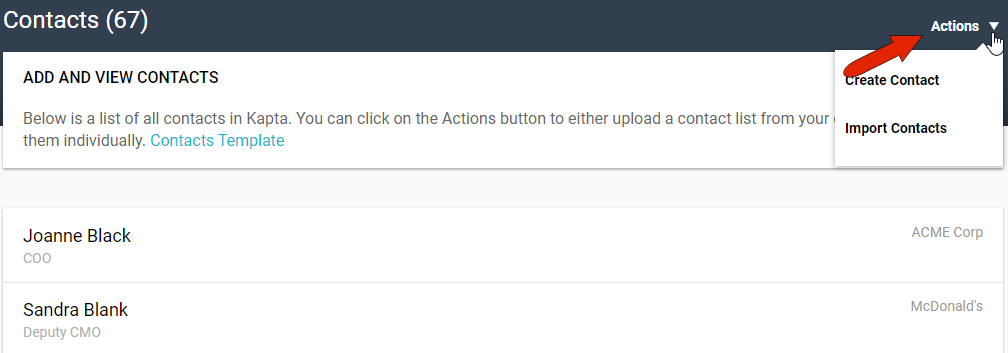
There are several ways for the administrator to create a new contact. The Actions menu at the top right has a Create Contact option, or you can use Import Contacts to bring in a list from a spreadsheet.
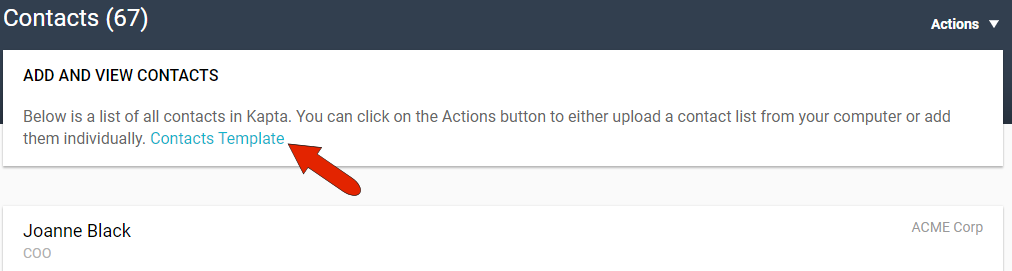
If you plan to import contacts from a spreadsheet, be sure to download the sample template first, so that your spreadsheet will have the correct structure. And be careful not to delete or overwrite any existing data!
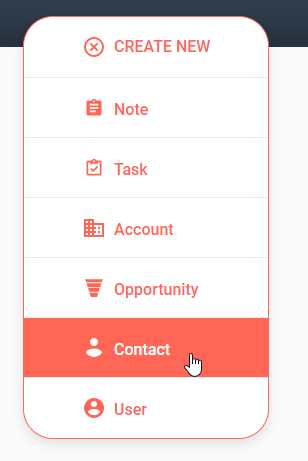
For admins, the CREATE NEW button, which is available from anywhere in Kapta, has a Contact option. For details on these options, see Adding Key Players and Contacts.
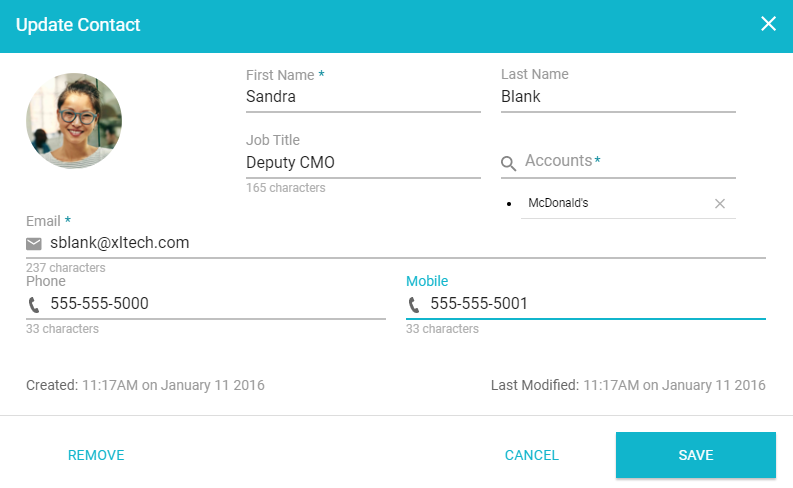
Clicking a contact in the Contacts page opens the Update Contact window, where you can edit or change details, or add a profile picture.
Comments
0 comments
Please sign in to leave a comment.