
On the Reports page, the Account Packs tab enables you to generate multiple reports for the same account, in a single document.
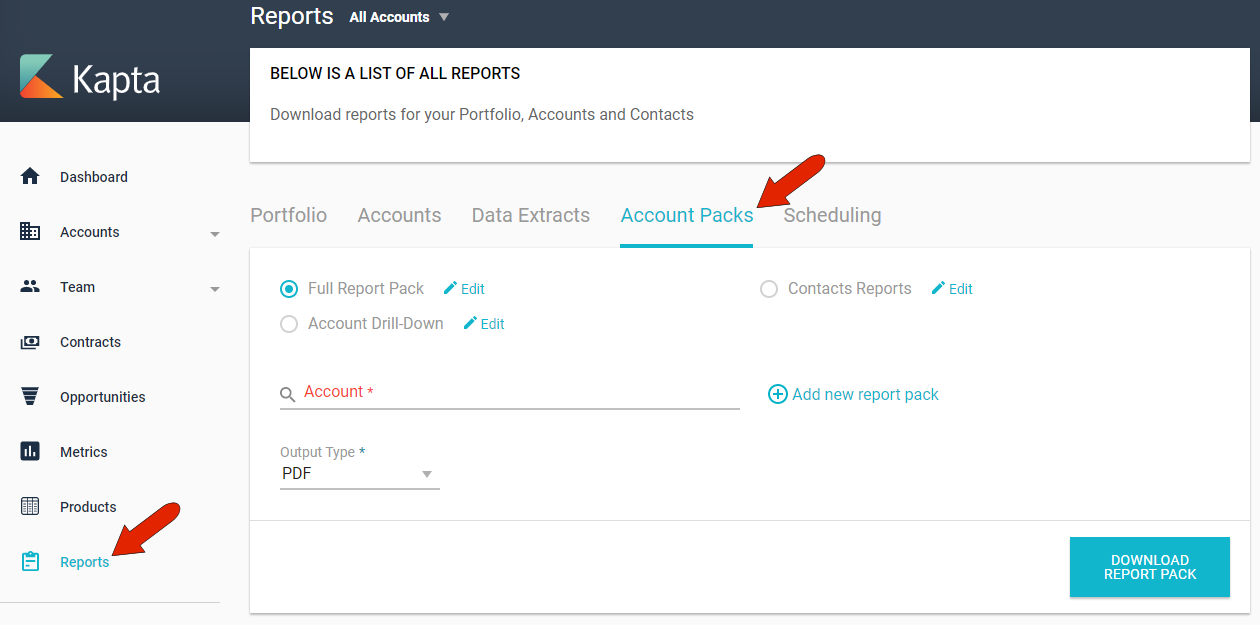
This is a handy feature when you need to create the same set of reports on a regular basis.
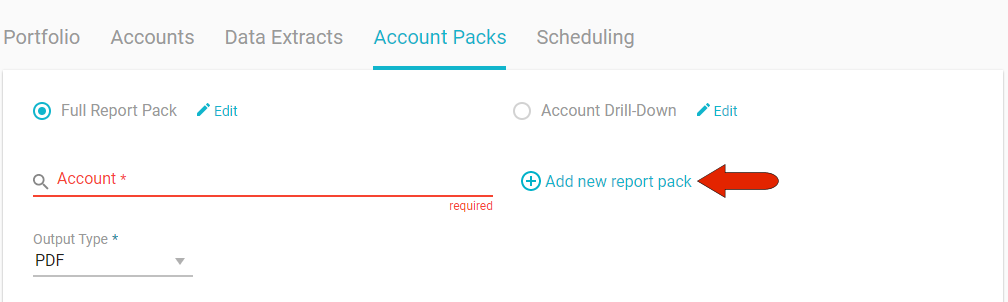
To set up a report pack, click Add New Report Pack.
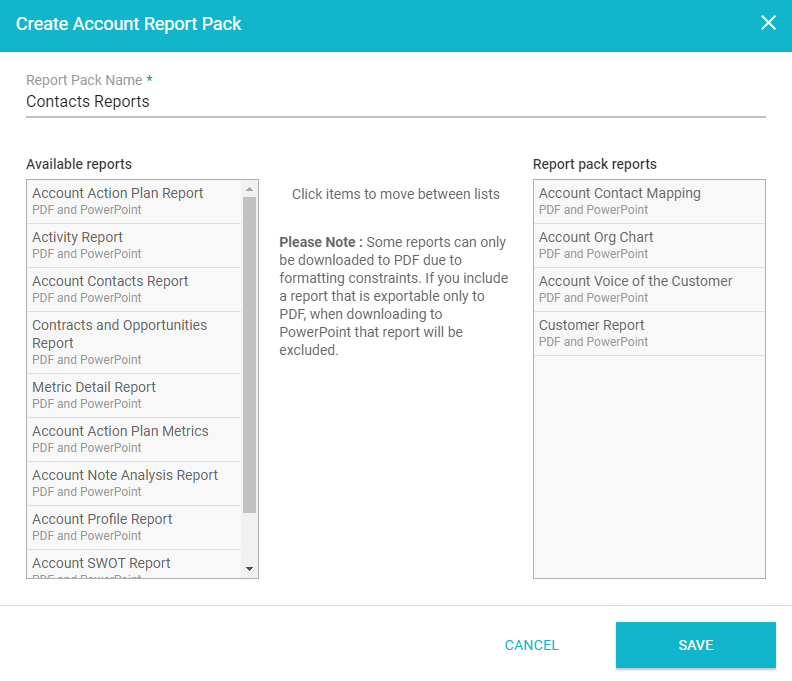
Assign a pack name, and choose, from the list of Available Reports, the reports to include in the pack. The list of available account reports is set by the administrator.
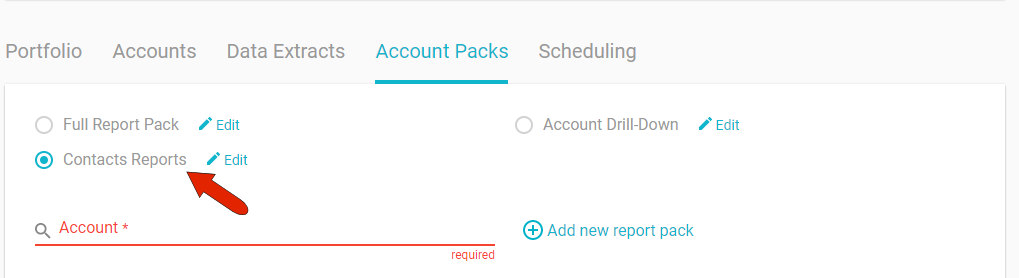
After saving, the report pack will be listed at the top of the page. For any report pack, you can click its Edit link to make changes or delete.
To generate and download the report pack, specify the account and choose whether to export in PDF or PowerPoint format. Then click Download Report Pack.
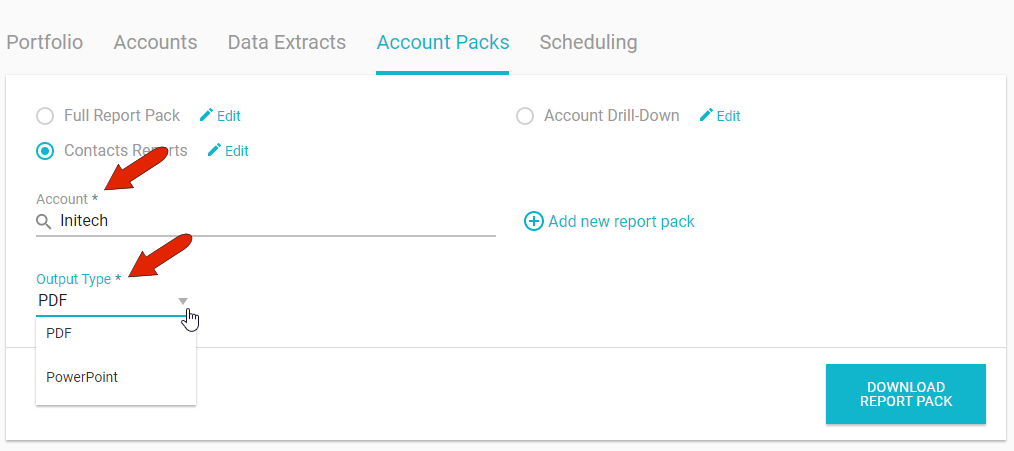
Note that all reports can be downloaded in PDF format, but only some are also available in PowerPoint format. If you choose a PowerPoint download, any reports that can’t use that format will be excluded from the pack.
Comments
0 comments
Article is closed for comments.