
Note: The hierarchy of the Teams menus on the left is configured by the administrator. Teams themselves are also configured by the administrator.
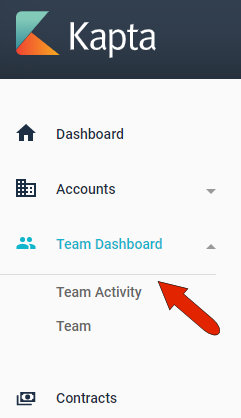
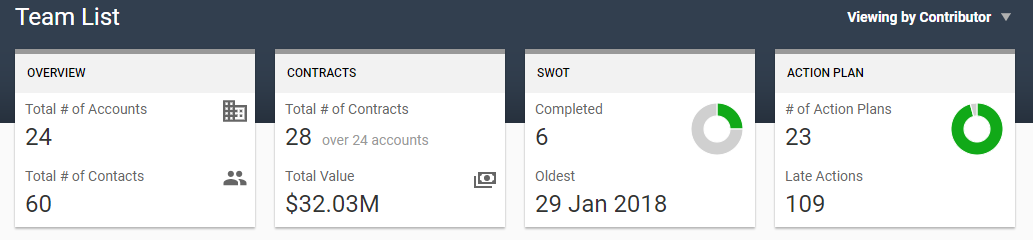
The Team Activity page presents a graphical breakdown of each team’s activities and actions. At the top is a general overview all teams' total accounts, contracts, SWOT analyses, and action plans.
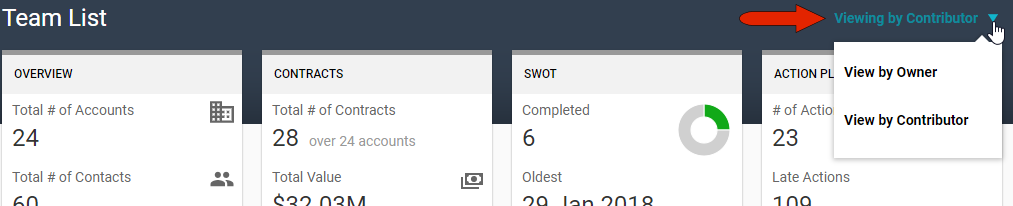
The data below this can be viewed according to account owners or account contributors.
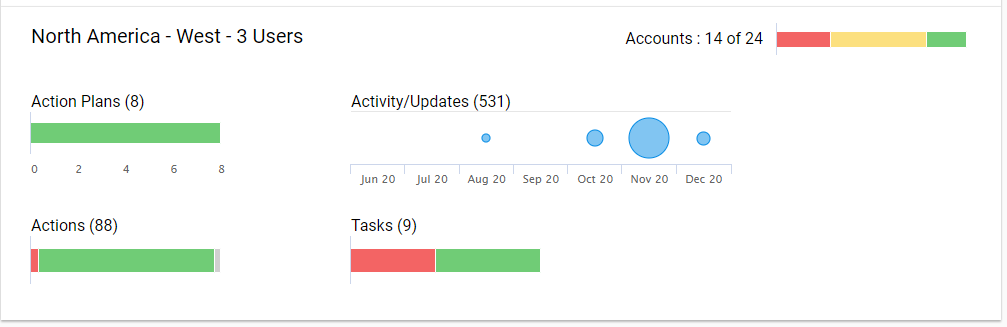
For each team, you can see the number of accounts and their status breakdown, number of action plans, activity over the last 6 months, and number of actions and tasks that are active and late.
Comments
0 comments
Article is closed for comments.