
The Voice of Customer questions, sent to and answered by the account’s key players, are used to ensure that your team and the customer are working toward the same goals. These are typically along the lines of “Why do you buy from us?” or “What does success look like in this relationship?”
Voice of Customer questions, and their answers, are listed in an account's DETAILS tab.
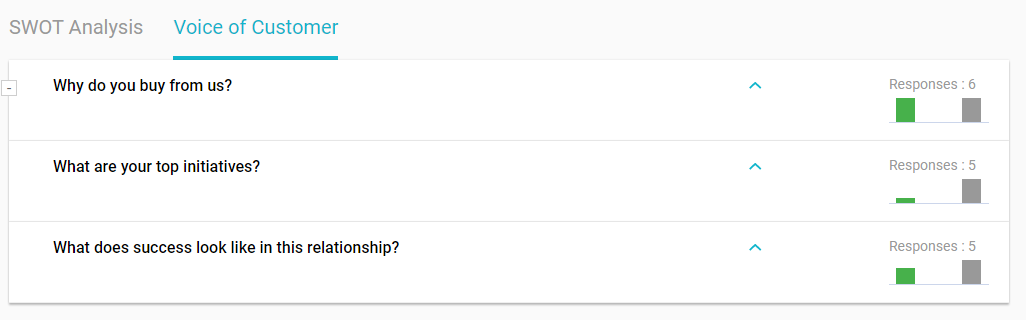
We provide several default questions, which can be edited to suit your company, and you can add more if needed. This is done by the administrator in the VOC Settings.
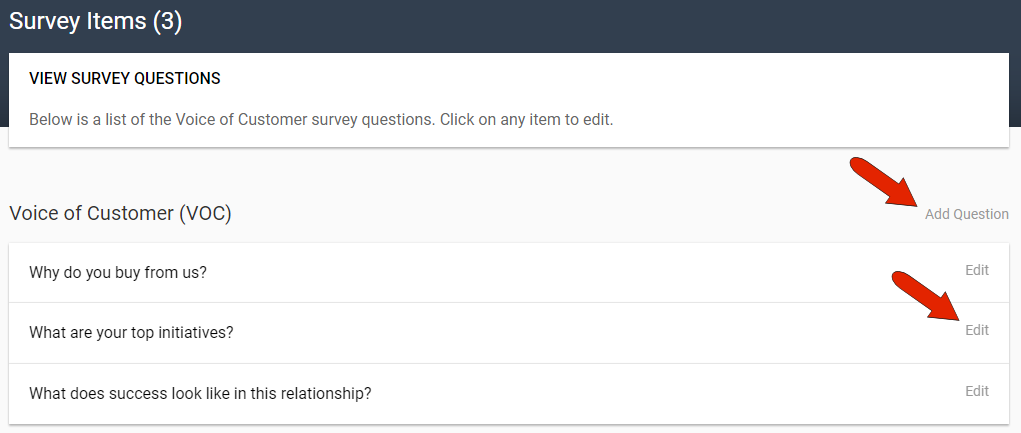
To formulate a question, click the Add Question link at the top right. For an existing question, you can click the Edit link to edit or delete.
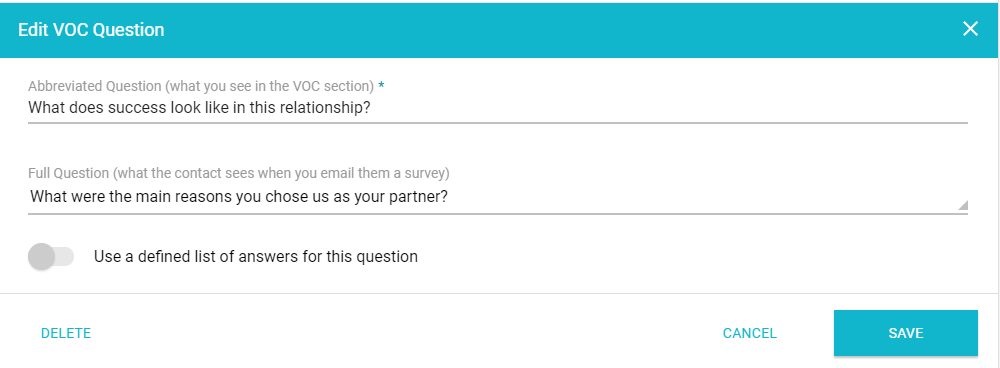
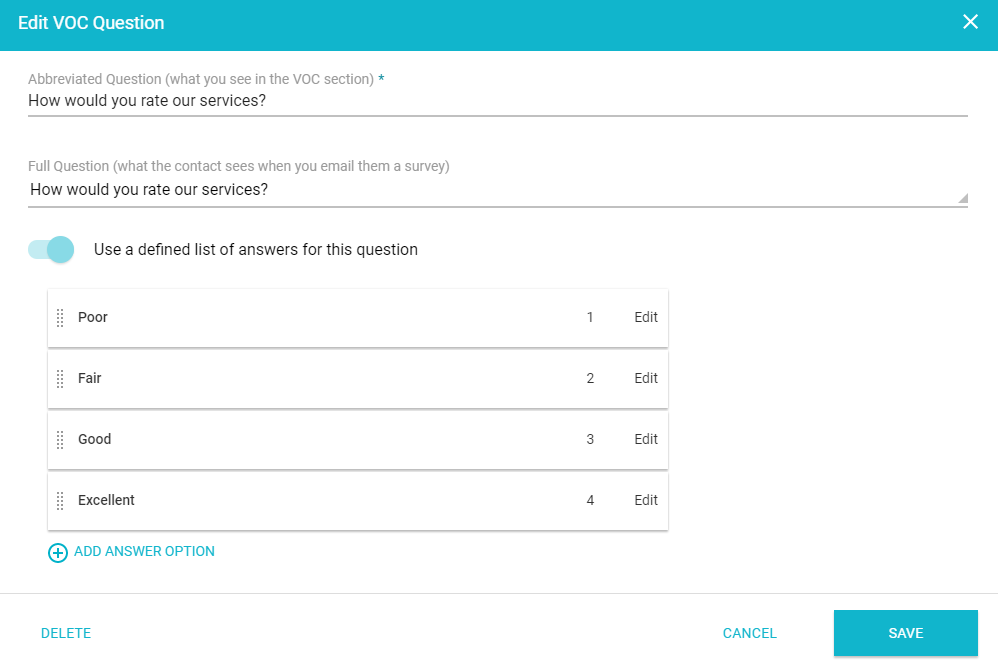
The abbreviated question is what appears in Kapta, in the VOC section. The full question is what the customer sees in the VOC survey when sent via email. (When possible, however, asking VOC questions directly is preferable, either in person or by phone.)
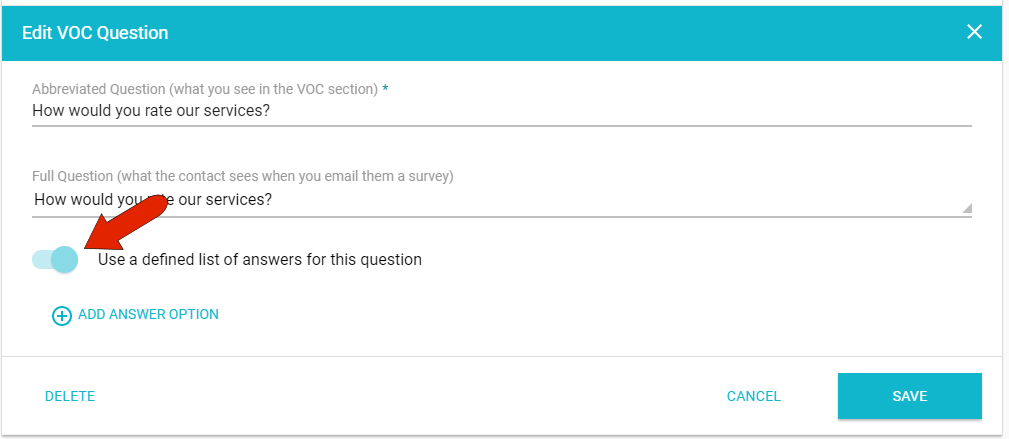
When creating or editing a multiple-choice question, turn on the slider to enable a defined list. Then click Add Answer Option.
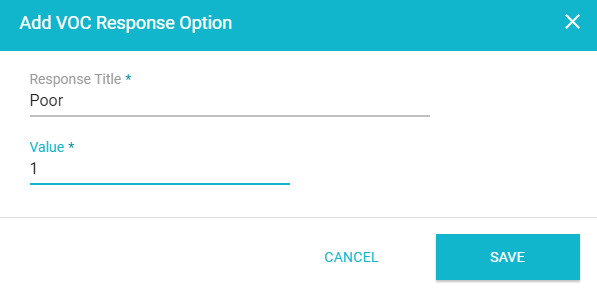
For each possible answer, assign a title and unique value.
Continue adding answers, whose order can be set by dragging and dropping the dotted icon to the left of each response.
Comments
0 comments
Article is closed for comments.