
The List view of an account’s PLAN tab presents a list of all actions in all goals of all plans. You can filter this list to show only actions that are active, upcoming, both upcoming and active, or completed. And you can use the Add New Action link to create a new action directly from this list.
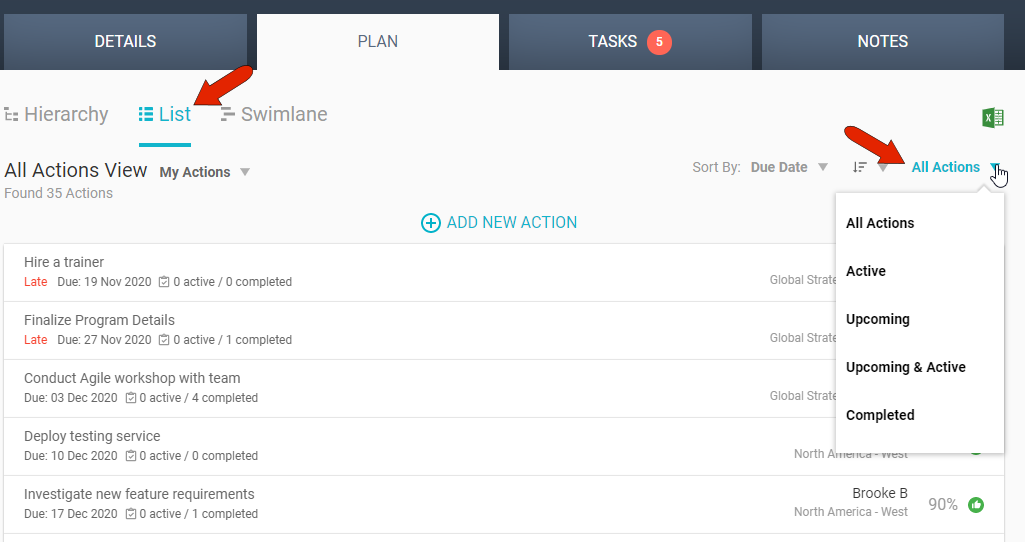
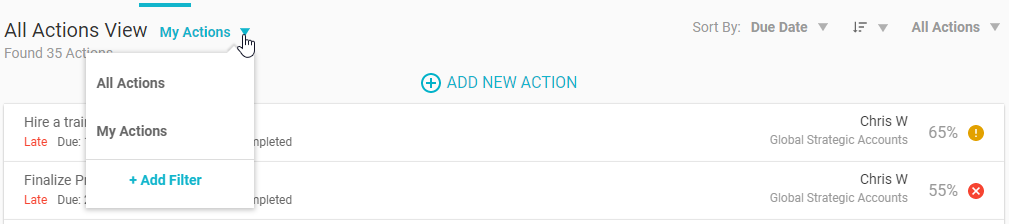
By default, the list includes all actions. But you can filter the list to show only your actions, or you can create your own filter. For example, you can search for actions that are due after a specific date.
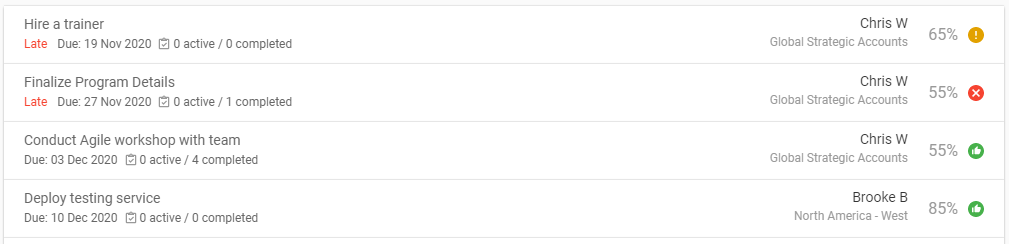
Each action is listed with its due date, a “late” indicator if relevant, the number of tasks and how many are complete, action owner, percent completion, and icon indicating whether the action is on track, in caution, or at risk. The list can be sorted by any of these properties.
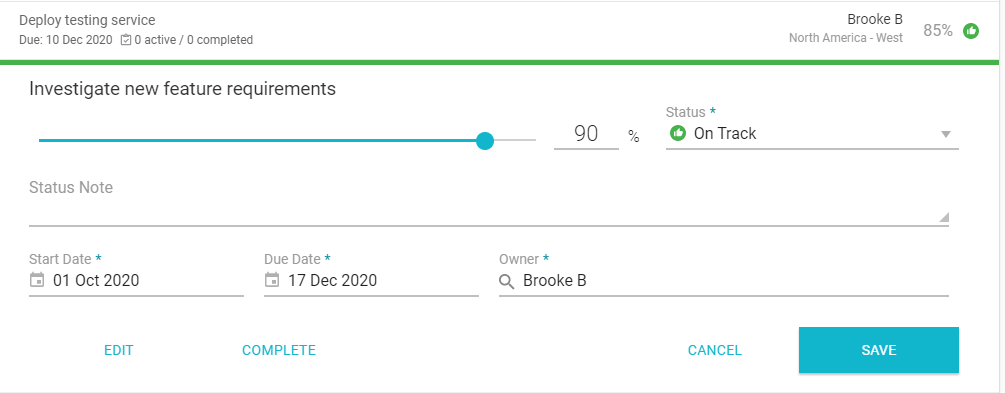
Hovering over an action displays icons at the right which enable you to add a task or update the action.

Updating an action is how you can change its percent completion, status, dates, and owner.
Comments
0 comments
Article is closed for comments.