
There are several ways to add a note in Kapta, such as an account note or contact note. If you're not using the Quick Note format, the full New Note window has a Sub Type option for describing the note's activity. Sub types can include a template that can be used when completing the note.
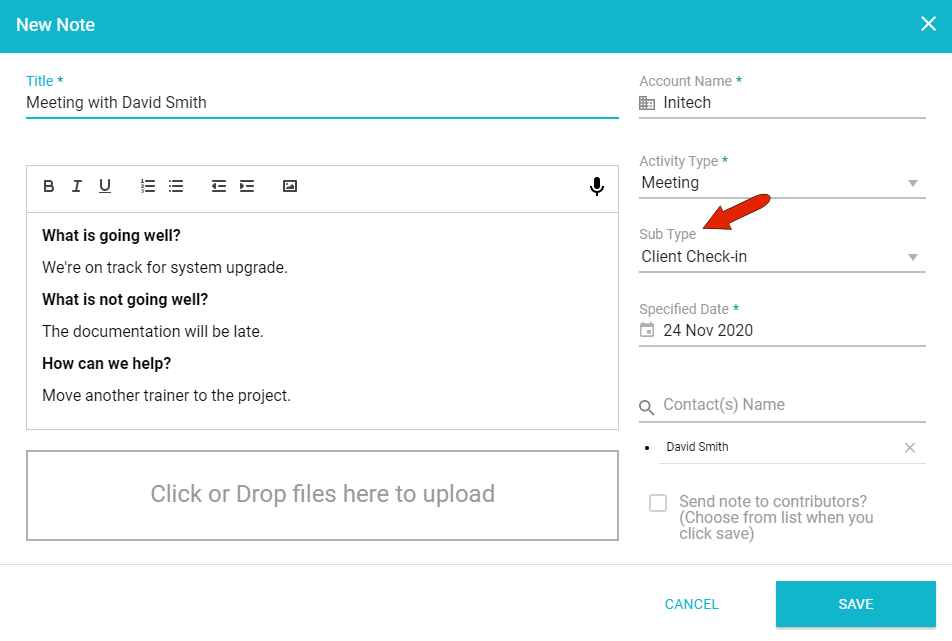
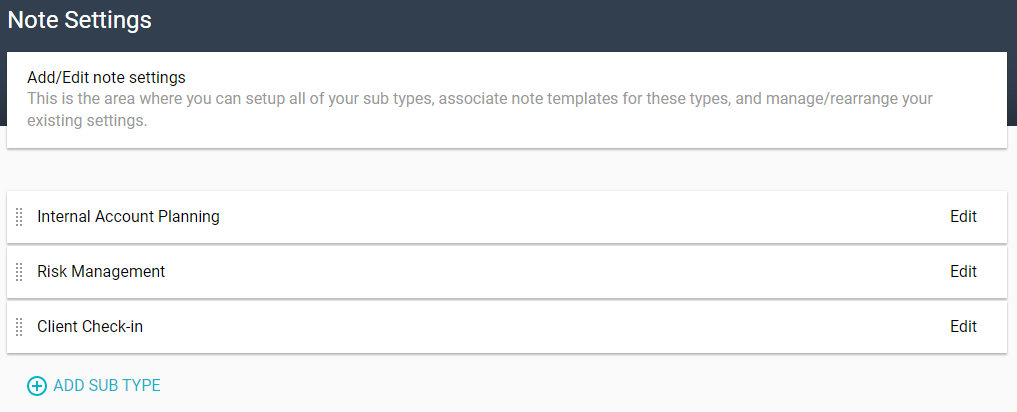
These sub types are created by the administrator in the Notes Settings.
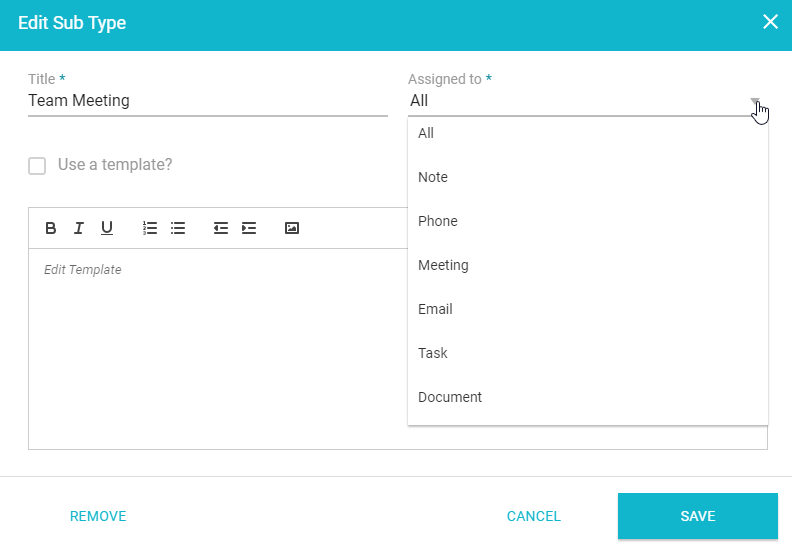
Click Add Sub Type, add a title, and set whether this sub type can be used for each Activity Type or only specific ones.
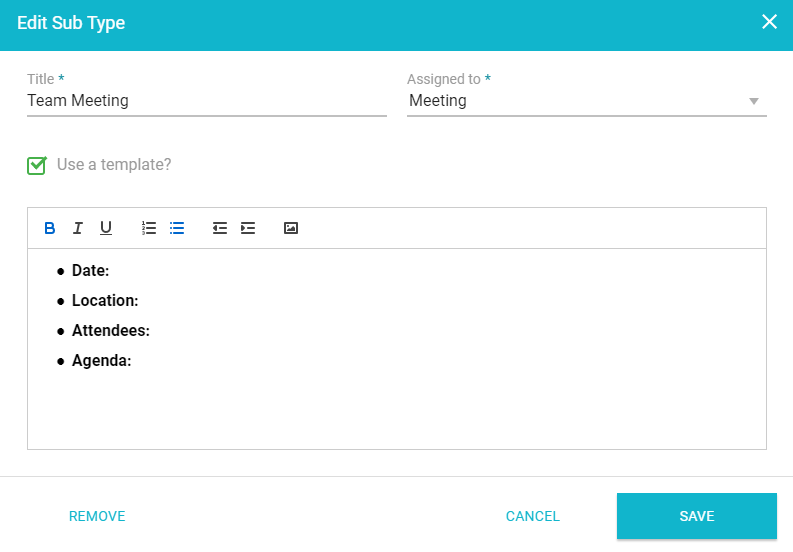
To leave the note open-ended, leave the rest blank. If you want the note to follow a template, click Use a Template and enter the template text you want to appear in the note, including any formatting.
For an existing sub type, you can click its Edit link to make changes or to remove the sub-type.

Comments
0 comments
Article is closed for comments.