
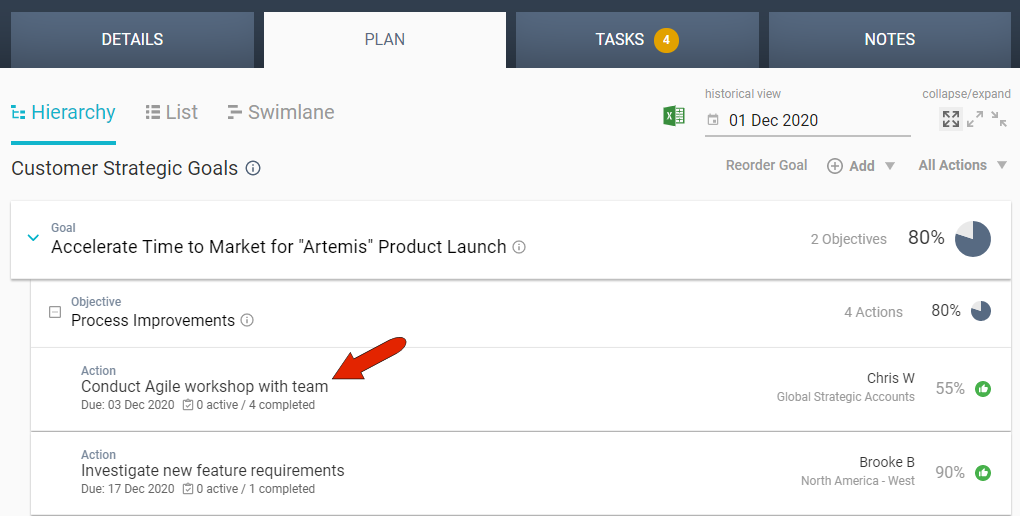
To add a note to an action, find the action in the PLAN tab and click it to edit.
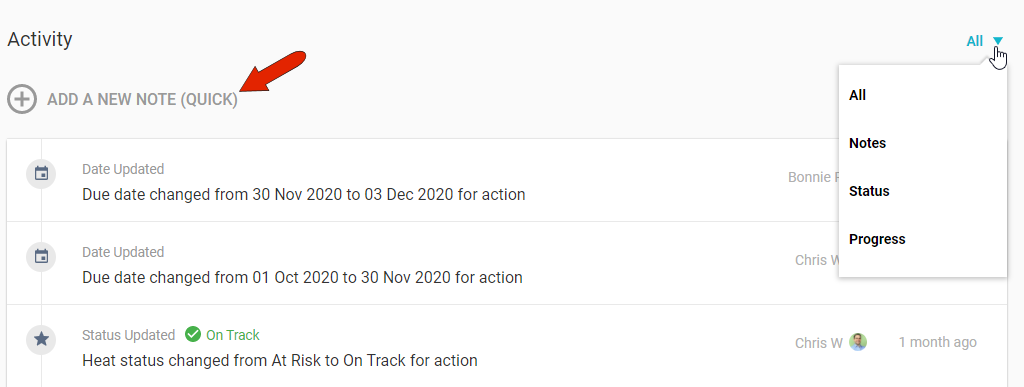
In addition to notes, the Activity section also lists all status and progress updates. You can filter the list with the drop-down at the top right. To include a note, click the Add a New Note link.
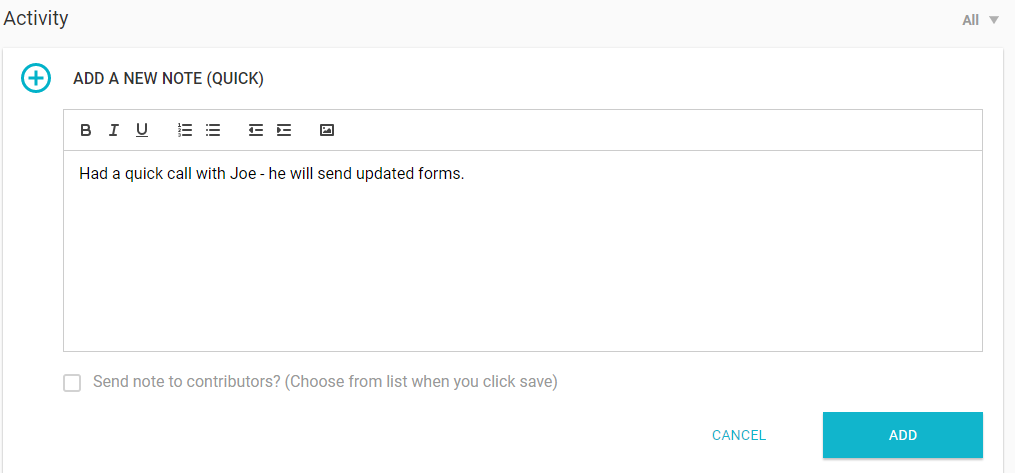
With this quick format, you can choose whether to email this note to all contributors to the account. After clicking Add, you'll be able to choose the contributors who will receive the note.
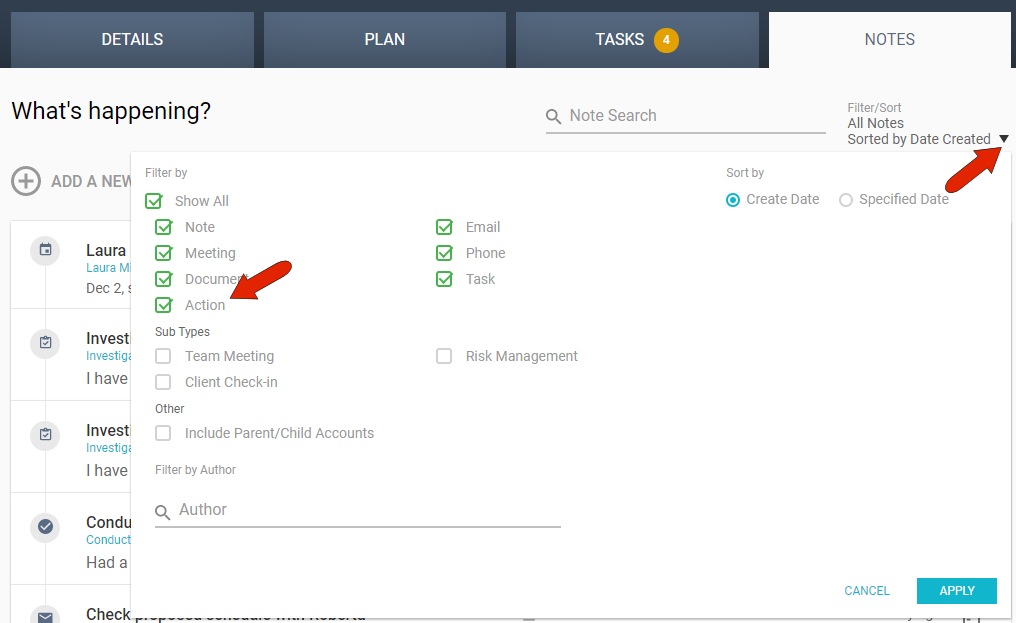
In order for action notes to appear in the account's NOTES tab, the filter must be set to include action notes.
Comments
0 comments
Article is closed for comments.